2026-06-12
AI Video Hook Examples: 30 Openers for Short Ads and Social Clips
Use AI video hook examples for product reveals, UGC clips, before-after videos, anime edits, and social-first ad concepts.
Try this workflow in Naviya
Turn a product, hook, or campaign idea into short social-ready ad concepts.
Create video ad variants
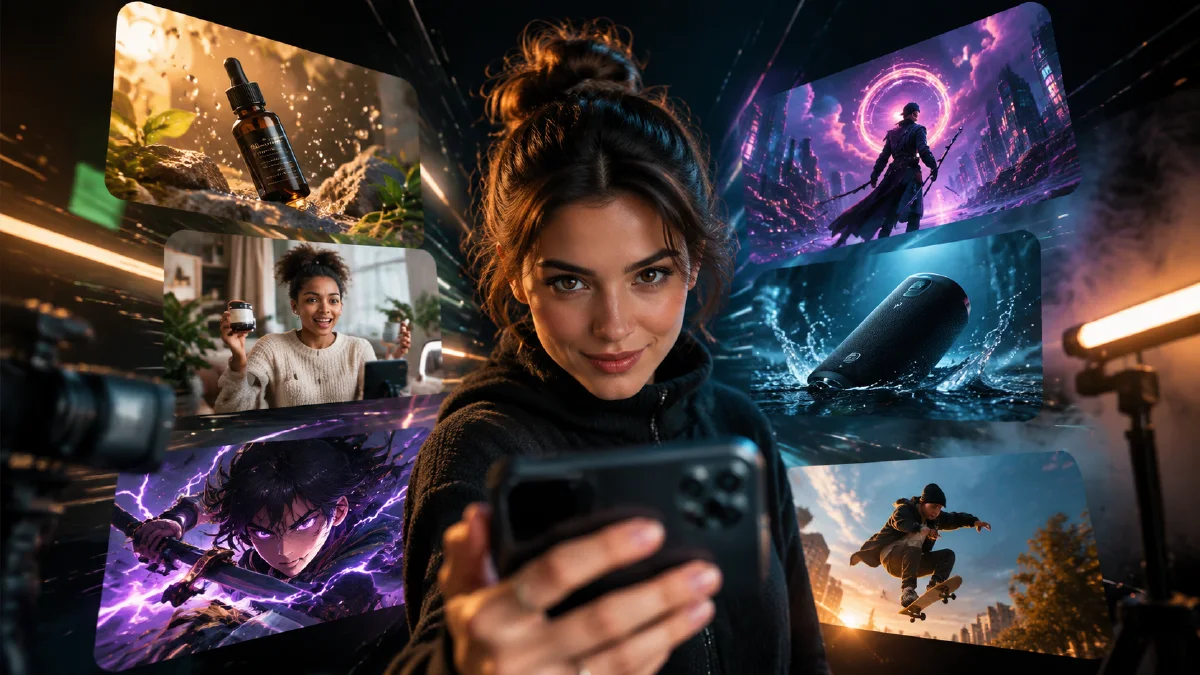
An AI video hook is the first visual moment that makes someone keep watching. It can be a product reveal, a fast transformation, a strong camera move, a surprising detail, or a simple human gesture. The hook should be visible in the first second.
Use hooks when creating AI video ads, social ad videos, or product clips from a first frame.
Hook types that work well
| Hook type | Best for | Example motion |
|---|---|---|
| Reveal | Product launch | Light sweeps from darkness to product |
| Detail | Ecommerce | Macro close-up of material or feature |
| Before-after | Utility products | Messy desk becomes organized |
| Human gesture | UGC | Creator lifts product into frame |
| Atmosphere | Beauty, fashion, lifestyle | Steam, mist, rain, or particles |
| Anime motion | Character clips | Blink, hair movement, glowing eyes |
| Loop | Shorts and Reels | Steam or light returns to starting state |
Product hook prompts
Hook: product appears from darkness as a violet rim light reveals its shape in the first second.
Camera: slow push-in.
Motion: clean light sweep across the product surface.
Constraints: preserve product shape and leave caption-safe space.
Hook: a macro detail of the product catches a bright highlight immediately.
Camera: close macro push-in.
Motion: reflection moves across the material.
Constraints: avoid warped labels or fake text.
Hook: messy desk cables snap into a clean organized line.
Camera: locked overhead shot.
Motion: objects move neatly into place.
Constraints: no private screen text, keep objects realistic.
UGC hook prompts
Hook: creator lifts the product into frame in the first second.
Camera: handheld medium close-up.
Motion: product stays steady while background light shifts softly.
Constraints: keep hands realistic and leave room for captions.
Hook: creator points to a glowing product detail without speaking.
Camera: casual handheld push-in.
Motion: product light turns on as the finger approaches.
Constraints: avoid distorted hands and fake UI text.
For full UGC examples, use the UGC AI video ad prompts guide.
Anime and creator hooks
Hook: anime character opens their eyes as city lights flicker behind them.
Camera: slow push-in.
Motion: hair moves gently in wind, neon reflections ripple.
Constraints: preserve face, outfit, art style, and composition.
Hook: a creator silhouette steps into a neon rim light.
Camera: low angle push-in.
Motion: jacket moves in wind, background particles drift.
Constraints: no extra people, no sudden scene change.
How to choose a hook
Choose the hook by the job:
- If the product is new, reveal it.
- If the product has a visible feature, zoom into the detail.
- If the product solves clutter or friction, use before-after.
- If the ad should feel native, use a UGC gesture.
- If the clip is for Shorts or Reels, make it loopable.
- If the asset is anime, preserve identity and use subtle motion.
30 AI video hook examples
Use these as starting points, then adapt the subject, format, and constraints.
| # | Hook | Best for |
|---|---|---|
| 1 | Product appears as a rim light turns on | Launch teaser |
| 2 | Steam rises immediately from a cup or food item | Food, beverage, cozy products |
| 3 | Messy desk becomes clean in one motion | Productivity, home office |
| 4 | Creator lifts product into frame | UGC ads |
| 5 | Macro highlight travels across material | Beauty, tech, fashion |
| 6 | Anime character opens eyes | Anime edits |
| 7 | Rain reflections ripple under neon | Cinematic social clips |
| 8 | Package rotates slightly on a platform | Product reveal |
| 9 | Background lights flicker on behind subject | Creator intro |
| 10 | Before scene fades into improved scene | Utility product |
| 11 | Hand points once to a product detail | UGC feature highlight |
| 12 | Close-up begins on texture, then pulls back | Ecommerce detail |
| 13 | Product emerges from soft mist | Premium ad |
| 14 | Outfit fabric moves in wind | Fashion clip |
| 15 | Monitor glow lights a desk setup | Creator or software intro |
| 16 | Character silhouette steps into light | Profile video |
| 17 | Petals, snow, or dust drift through frame | Anime or lifestyle |
| 18 | Coffee bag catches morning sunlight | Beverage ad |
| 19 | Shoe sole detail catches a reflection | Footwear |
| 20 | Bottle droplets shimmer in macro | Skincare |
| 21 | Phone screen glow illuminates face | Creator story |
| 22 | Camera pushes through foreground objects | Cinematic product scene |
| 23 | Product shadow sharpens into focus | Premium reveal |
| 24 | Packaging edge catches a moving light | Ecommerce |
| 25 | Character hair moves before background changes | Anime portrait |
| 26 | Clean tabletop turns into branded setup | Lifestyle ad |
| 27 | Creator nods as product activates | UGC demo |
| 28 | Light travels across a logo area without generating text | Brand-safe reveal |
| 29 | Scene starts blurred and resolves into product | Thumb-stopper |
| 30 | Final frame returns to the first frame | Loopable Shorts |
The best hook is not always the loudest one. The best hook is the one that makes the product, character, or benefit understandable fastest.
Score hook quality
After generating a hook, score only the first second:
| Question | Pass/fail |
|---|---|
| Can the viewer identify the subject immediately? | |
| Is the motion visible at phone size? | |
| Does the hook match the product or story? | |
| Is there room for captions? | |
| Did the product or identity stay stable? |
If a hook fails the first question, do not polish the rest of the clip yet. Rewrite the opener first.
Hook formulas by campaign goal
Awareness
Use visual novelty:
Hook: the subject appears from darkness as a colored rim light reveals the silhouette in the first second.
Consideration
Use product detail:
Hook: the camera starts on a macro detail, then pulls back enough to show the full product clearly.
Conversion
Use problem-solution:
Hook: the messy surface becomes clean and organized while the product remains visible in the center.
Retargeting
Use clarity over surprise:
Hook: the product is already visible in the first frame, with a slow light sweep that highlights the main feature.
Batch testing plan
Create a simple hook batch:
- Pick one product or character.
- Keep the same aspect ratio and background.
- Create one reveal hook, one detail hook, and one UGC hook.
- Compare first-second clarity only.
- Keep the winner and create three small variations.
This avoids the common mistake of comparing totally different clips. If the product, style, camera, and scene all change at once, you are no longer testing the hook.
Hook testing workflow
- Pick one product or subject.
- Write three different hook lines.
- Keep the same format and aspect ratio.
- Generate one clip per hook.
- Compare only first-second clarity.
- Keep the winner and make small variants.
Do not test hook, product, format, model, and scene all at once. If too many things change, you will not know what worked.
Simple hook template
Create a 5 second vertical social video.
Hook: [what happens in the first second].
Subject: [product, person, or character].
Camera: [one camera move].
Motion: [one visible movement].
Constraints: preserve [identity/product/style] and leave caption-safe space.
Try it in Naviya
Use Naviya to build hook tests as a controlled batch, not as disconnected experiments. Start with one product, character, or scene and create three first-second directions: a direct reveal, an unexpected motion, and a context switch. Generate the cleanest first frame in AI Image Generator, animate it with Image to Video, and use AI Video Ads when you want multiple paid-social openings from the same product idea.
For identity-sensitive hooks, use Reference to Video so the person, outfit, character, or product stays stable across variants. If the hook is text-first, keep caption space simple and let the visual show the proof. A hook that needs three lines of explanation is usually not ready for a fast feed.
After generating, score each clip on three questions: can the viewer understand it without sound, does the subject remain stable, and does the second shot pay off the promise of the first second? Keep the best structure and remake it with new scenes, not new chaos.
Hooks are small, but they decide whether the rest of the clip gets watched. Start with one clear visual promise, then let the video support it.