2026-06-12
AI Apparel TikTok Batch Video Workflow
Create batches of vertical apparel videos for TikTok-style testing with scene prompts, reference photos, post-processing standards, and QA.
Try this workflow in Naviya
Use references when identity, product shape, outfit, or style needs to stay consistent.
Try reference to video
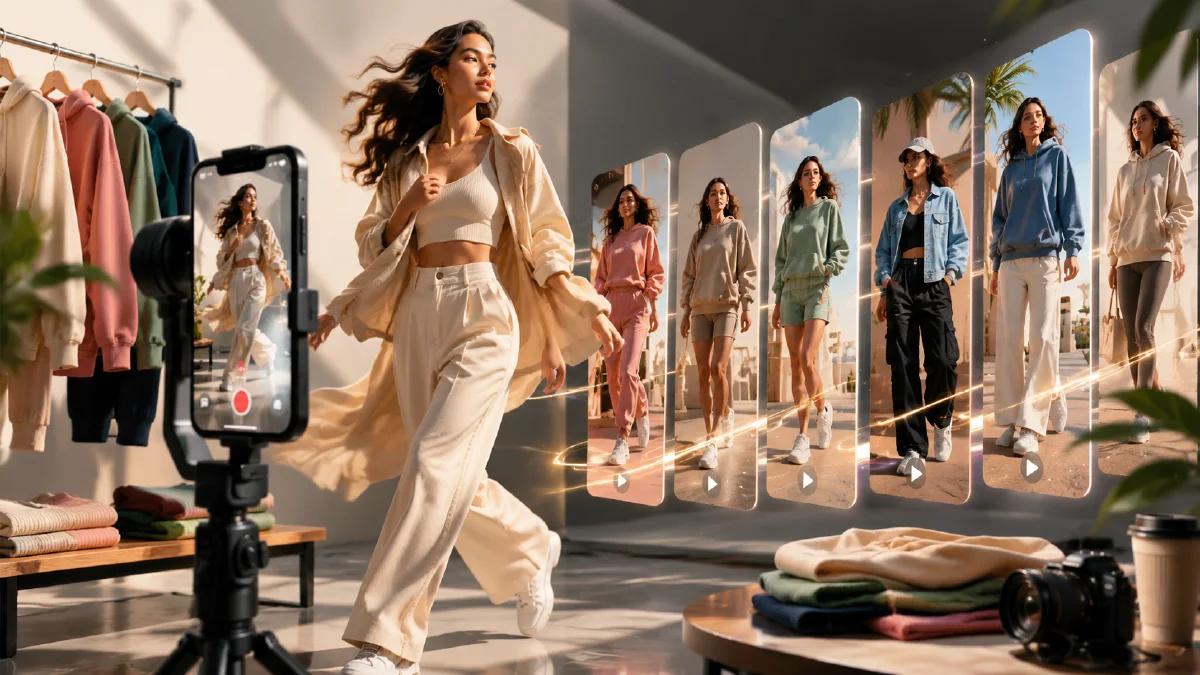
Apparel advertisers often need volume. One polished fashion video is useful, but testing platforms reward many hooks, scenes, and pacing options. A batch workflow lets a small team turn product photos into multiple vertical apparel videos for TikTok-style testing without scheduling a new shoot for every scenario. The key is standardization: same product reference, consistent post-processing, controlled scene variation, and a clear acceptance bar.
This guide explains how to produce batches of short apparel videos from a product or outfit image. It pairs with image to video for TikTok and Reels, AI fashion product video workflow, Naviya's Reference to Video, and AI Video Ads.
Batch creative starts with a testing matrix
Before generating, define what you are testing:
| Test variable | Examples |
|---|---|
| Scene | Coffee shop, city park, bedroom mirror, street crossing, office lobby. |
| Camera | Handheld walk, quick angle switch, slow push-in, mirror selfie, detail close-up. |
| Message | Comfort, styling, fit, fabric, day-to-night outfit, color option. |
| Hook | Model enters frame, close-up of fabric, quick outfit transition, final pose first. |
| Audience | Students, commuters, office workers, vacation shoppers, fitness lifestyle. |
If every video changes everything at once, you will not learn what works. A useful batch changes one or two variables while keeping product and model consistency stable.
The core vertical apparel prompt
Start with a base prompt:
Create a 10-second vertical short-form marketing video for the uploaded outfit.
The same adult model wears the outfit throughout the clip.
Upbeat social rhythm, quick changes between angles, natural posing, realistic fabric movement.
Start with a confident full-body view, then show close-ups of the fabric, fit, and styling details.
Keep garment color, silhouette, length, and texture accurate.
No third-party logos, no extra text, 9:16 vertical crop.
Then add scene:
Scene: bright coffee shop entrance with warm daylight, casual lifestyle mood.
Camera: light handheld movement, quick close-up on sleeves and hem, then full outfit pose near the window.
For a city park:
Scene: clean city park walkway, soft afternoon light, relaxed weekend styling.
Camera: model walks toward camera, turns slightly, close-up on fabric texture, final confident pose.
For a busy street:
Scene: lively urban street with soft background motion, modern social fashion mood.
Camera: fast but stable handheld movement, quick angle switch, close-ups of outfit details in the last seconds.
Generate 10 to 20 variants efficiently
Use a simple naming and production system:
outfit01_coffee_hookAoutfit01_park_hookAoutfit01_street_hookAoutfit01_coffee_hookBoutfit01_studio_detail
For each scene, generate a few options and keep only the cleanest. Do not spend 20 minutes repairing a broken clip if another scene can be generated faster. Batch work is about throughput with quality gates.
Post-processing standards
AI apparel clips often need standard finishing:
| Step | Reason |
|---|---|
| Trim malformed frames | Hands, face, hems, and fast turns can distort. |
| Upscale if needed | Social platforms compress video heavily. |
| Stabilize crop | Keep the outfit readable on mobile. |
| Add subtitles | The ad should work without sound. |
| Normalize color | Different scenes should still feel like one campaign. |
| Export clean versions | Keep source clips and final edited clips separate. |
Aim for 1080p or better when possible. If a video starts from a lower-resolution generation, upscaling can help, but it will not fix warped clothing. Quality control still starts with the generated content.
Editing structure for batch ads
Use this reusable 12-second format:
| Time | Shot |
|---|---|
| 0-2s | Full outfit hook in motion. |
| 2-4s | Detail close-up: sleeve, fabric, waistband, pocket, collar. |
| 4-7s | Lifestyle movement in the selected scene. |
| 7-9s | Styling angle or mirror view. |
| 9-12s | Final pose with product name or offer area. |
For paid testing, create multiple hook versions:
- Hook A: model walks toward camera.
- Hook B: detail close-up first.
- Hook C: outfit transition first.
- Hook D: final pose first, then detail proof.
QA checklist for apparel video batches
- Outfit color stays consistent across shots.
- Garment length and silhouette do not change.
- Face and hands are clean enough for the crop.
- Background feels appropriate to the target market.
- No unlicensed logos appear in street or store scenes.
- The first two seconds show either product or benefit.
- Final export is vertical and legible on mobile.
When a clip fails, note why. A failure log helps improve prompts: "street scene too busy," "model changes outfit," "camera too shaky," or "detail close-up too cropped."
Turn winners into deeper creative
After a first batch, identify patterns. If street scenes win, generate more street variants with different hooks. If fabric close-ups win, create product-detail videos. If a coffee shop scene wins but the outfit warps, keep the scene idea and strengthen garment preservation language.
Keep a small creative log beside the exports. Record the prompt, scene, hook type, clip length, and reason each output was accepted or rejected. This turns batch generation into a learning system. After a week, you will usually know whether your audience responds to lifestyle scenes, detail proof, mirror shots, or fast outfit changes. That evidence should shape the next prompt batch more than personal preference.
For broader product ad structure, read AI video generator for social ads and AI video hooks examples.
Build a batch review board
Batch work becomes useful when the review board is consistent. Create a table before generation so every clip is judged against the same promise. A simple apparel board can include hook, garment visibility, body movement, fabric behavior, crop safety, and edit note. Score each row from 1 to 5, then write one sentence explaining why a clip should be kept or cut.
Use these review questions:
- Is the garment visible in the first second?
- Does the motion help shoppers understand fit, texture, or styling?
- Is the product distorted during the strongest movement?
- Does the scene match the market and season?
- Can the clip work muted with captions added later?
- Is the ending frame usable as a thumbnail or retargeting still?
If a clip has a strong hook but weak product visibility, save it as a top-of-funnel test rather than a product-page asset. If a clip preserves the garment but feels too calm, use it as a remarketing or detail page variant. For a cleaner still-first process, combine the batch with AI apparel model workflow and then animate the strongest frame through Image to Video.
For performance learning, change only one variable per mini-batch. Test three hooks with the same model, three backgrounds with the same pose, or three camera speeds with the same first frame. When every variable changes at once, the winning clip does not teach you what to repeat.
One final habit helps apparel teams move faster: keep the rejected clips with short notes. A failed city scene may still prove that a slower walk preserves fabric shape. A weak studio clip may still have the best sleeve detail. Those notes become the next batch brief.
Try it in Naviya
Upload the outfit reference to Naviya's Reference to Video and create three scene variants first: coffee shop, city park, and studio detail. Use AI Video Ads to assemble the strongest hooks into test-ready vertical clips, then return to AI Image Generator when you need cleaner still storyboards.