2026-06-12
AI Ecommerce Detail Page Generator Workflow for Faster Product Testing
Turn one product image into ecommerce detail page sections with AI copy, layout planning, image generation, and conversion checks.
Try this workflow in Naviya
Turn a product, hook, or campaign idea into short social-ready ad concepts.
Create video ad variants
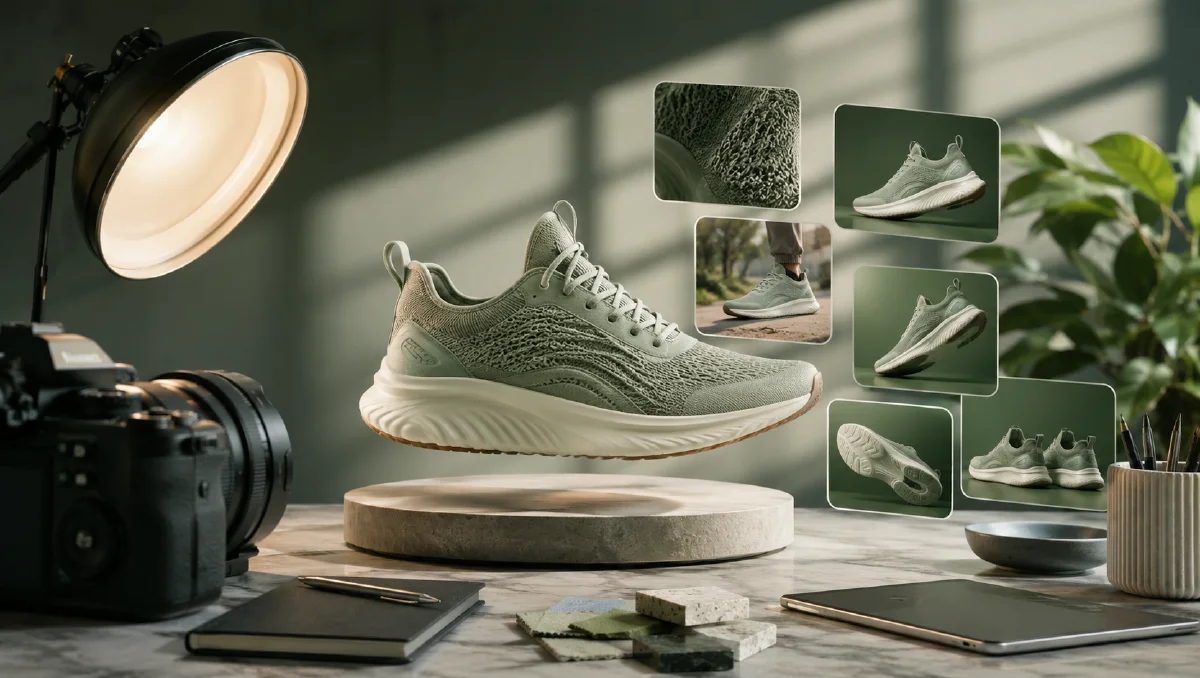
An AI ecommerce detail page generator turns one product photo into a set of product-page visuals: hero images, feature blocks, benefit panels, comparison sections, and lifestyle scenes. The goal is not to replace brand strategy. The goal is to shorten the first version of a product detail page so teams can test offers, audiences, and visual angles faster.
Traditional detail page production requires planning copy, shooting models or products, retouching, layout design, and export. That is expensive for every SKU, and it is especially slow when a store needs to test a new product quickly. With a clean product image, a clear selling point, and a structured workflow, AI Image Generator can help create enough visual directions to decide what is worth polishing.
For related production systems, see ecommerce product video AI, cross-border ecommerce scene images, AI product scene generation, and reference image prompting guide.
Definition
An ecommerce detail page is the long product page that explains why a shopper should buy. It usually includes a hero image, use-case visuals, feature explanations, proof points, size or material details, and a closing call to action. A good AI workflow treats each section as a separate visual problem rather than trying to make the entire page in one generation.
Inputs you need
Start with four inputs:
| Input | Why it matters |
|---|---|
| Product image | Keeps the product shape, color, and material grounded |
| Product facts | Gives the copy and benefit blocks real information |
| Audience | Changes tone, use cases, and visual environment |
| Section plan | Prevents the page from becoming a random collage |
The product image can be a white-background image, a clean flat lay, or a simple studio shot. If the background is messy, create a cleaner product image first with AI Image Generator before building page sections.
Detail page structure
Use this practical section order:
- Hero: product and main promise.
- Problem: the shopper pain point.
- Feature: what the product does.
- Benefit: why the feature matters.
- Lifestyle: the product in use.
- Detail: material, texture, mechanism, or package.
- Trust: quality, care, guarantee, or comparison.
- Closing: final purchase reason.
You do not need every section for every SKU. A simple accessory may only need five panels. A technical product may need eight or more. The point is to decide the role of each image before generating it.
Step 1: Import the product image
Upload the product image and write a short product card:
Product: [name and type]
Primary buyer: [who it is for]
Main promise: [what improves for the buyer]
Key features: [3 to 5 concrete facts]
Tone: [premium, practical, playful, minimalist, sporty]
Must preserve: product shape, color, material, label area, scale
This product card becomes the anchor for every generated section. If your product has text on the package, be conservative. Ask for clean label areas and avoid inventing readable claims that are not approved.
Step 2: Plan the section copy
AI page generation works better when the copy is short. Each visual panel should carry one idea. Long paragraphs belong below the fold, not inside an image.
A useful copy template:
Hero line: [main benefit in 6 to 10 words]
Support line: [specific feature or proof]
Section 1: [problem]
Section 2: [feature]
Section 3: [benefit]
Section 4: [use case]
Section 5: [detail or material]
For example, a travel jacket page might use:
Hero line: Weather-ready warmth without bulky layers
Support line: Lightweight shell, soft lining, packable hood
Problem: Unpredictable commutes
Feature: Wind-resistant outer fabric
Benefit: Warmth that still moves with you
Use case: Coffee run, airport, weekend trip
Detail: Zipper, cuff, and fabric close-ups
Step 3: Generate each panel
Create panels one at a time. This gives you more control and makes it easier to reject weak images without losing the whole page.
Panel prompt:
Create one ecommerce detail page image panel.
Product: use the uploaded product image as the visual reference.
Panel role: [hero, feature, benefit, lifestyle, detail, trust]
Copy space: leave clean negative space for a short headline.
Scene: [studio, home, outdoor, office, gym, travel, kitchen]
Style: polished ecommerce detail page, clear product focus, modern layout.
Constraints: preserve product shape, color, material, scale, and important details. No fake logos, no unreadable text, no extra products.
If you want built-in copy, keep it short and ask for a layout with editable text space. For production pages, it is usually better to add final text in your design tool so it remains readable and localizable.
Step 4: Generate variants, then choose
For each panel, create three to five variants. Choose based on conversion clarity, not only visual beauty.
Use this checklist:
- Can a shopper understand the point in three seconds?
- Is the product visible and accurate?
- Is the image consistent with the rest of the page?
- Does the panel add new information?
- Is there enough space for headline and body copy?
- Would the image still work on mobile?
If a panel is beautiful but does not explain anything, save it for social. The detail page must sell.
Step 5: Add motion where it helps
Some detail page sections benefit from short video. A hero product clip, a material light sweep, or a lifestyle motion loop can increase trust without distracting from purchase. Use Image to Video for product-safe clips and AI Video Ads when the same concept needs paid social variations.
Product page video prompt:
Animate this ecommerce panel into a 5 second product page clip.
Camera: slow push-in.
Motion: product remains stable while light moves softly across the material.
Scene: clean, uncluttered, conversion-focused.
Constraints: preserve product color, shape, label area, and proportions. No extra text.
Build sections around buyer objections
The best AI detail page images do not simply decorate the page. Each panel should answer a reason the shopper might hesitate. Before generating, write the objection next to the visual asset.
| Shopper question | Useful panel | Prompt focus |
|---|---|---|
| What does it look like in real life? | Lifestyle scene | scale, room context, hand or body reference |
| What is it made of? | Material close-up | texture, edge detail, surface reflection |
| How do I use it? | Step or routine panel | simple gesture, clean background, product visible |
| Why is it better? | Comparison or feature panel | one feature, one benefit, no crowded labels |
| Will it fit my space or style? | Variant scene | market, room style, outfit, or occasion |
This structure keeps the page from becoming a random image gallery. It also makes prompts easier to write because each visual has one job. If the product is visual and lifestyle-driven, borrow scene ideas from AI product scene generation. If the final page needs motion, adapt the strongest panel into Image to Video or a calmer ecommerce clip using AI Video Generator.
After generating, inspect the sequence on mobile. A panel that looks premium on desktop may become unreadable when cropped. Keep headline-safe space, avoid tiny invented text, and make sure the product is visible before any decorative environment detail.
Try it in Naviya
Start with one clean product image in AI Image Generator. Generate a hero panel, a detail panel, and a lifestyle panel first. If those three are strong, expand the page and test a short clip with Image to Video.
Detail page QA checklist
Before publishing, review:
| Area | Question |
|---|---|
| Accuracy | Does the product still look like the item being sold? |
| Copy | Is every claim specific and supportable? |
| Flow | Does each section answer a new shopper objection? |
| Mobile | Are product and headline readable on a phone? |
| Consistency | Do color, lighting, and tone feel like one brand? |
The strongest detail pages are not just attractive. They reduce uncertainty. Use AI to create visual options quickly, but keep the final page grounded in accurate product information and a clear buying journey.