2026-06-12
AI Fashion Landing Page Workflow from Visual References
Turn fashion website references into a polished landing page concept using visual analysis, prompt planning, interaction direction, and QA.
Try this workflow in Naviya
Use references when identity, product shape, outfit, or style needs to stay consistent.
Try reference to video
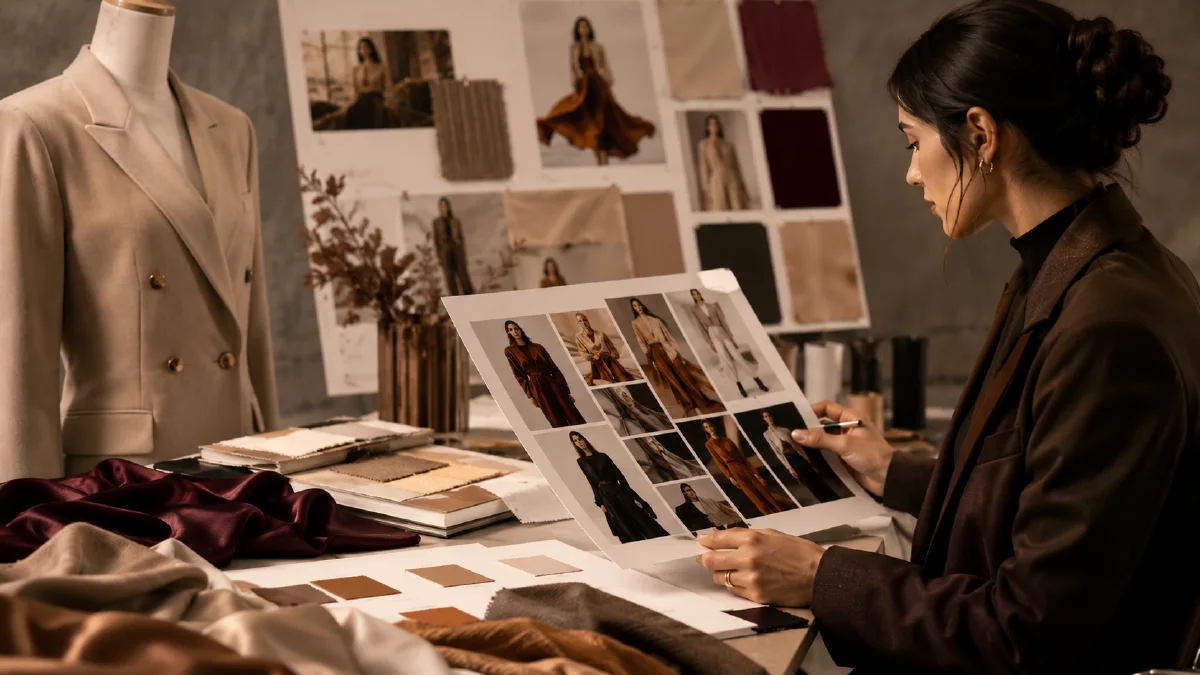
Fashion landing pages are difficult to describe from scratch. Words like "premium," "soft," "dark," "feminine," or "techwear" are not enough. A visual reference gives the AI a stronger blueprint: layout density, typography mood, image treatment, interaction style, and how much space the product should own. The workflow is to collect references, analyze what makes them work, generate a page concept, then QA the result as an actual retail experience rather than a static poster.
This guide is for fashion brands, campaign pages, product launches, lookbook concepts, and ecommerce teams exploring landing-page creative. It connects with AI visual brief to prompt, AI fashion brand video ads, Naviya's AI Image Generator, and AI Video Ads.
Find references with intent
Do not collect references because they are pretty. Collect them because they solve a specific design problem:
| Need | Reference type |
|---|---|
| Dark technical fashion | WebGL, particle, liquid distortion, black product photography. |
| Soft women's apparel | Airy product pages, gentle type, light motion, fabric close-ups. |
| Luxury capsule | Editorial layouts, large product imagery, restrained text, elegant spacing. |
| Youth drop | Fast interaction, bold crops, kinetic type, mobile-first composition. |
| Accessory launch | Product macro, material texture, clear purchase path. |
One reference may guide interaction, another may guide typography, and a third may guide image direction. Keep those roles clear.
Translate a reference into an AI brief
Use a prompt like this with a screenshot:
Analyze this fashion landing page reference.
Describe the layout, typography mood, image treatment, color palette, interaction style, and product presentation.
Then create a concise brief for a new fashion landing page in the same level of polish but for [product/category].
The new page should be original, ecommerce-ready, and mobile-friendly.
If you need an interactive concept, specify it:
Create a single-page fashion landing page concept based on the uploaded reference.
Style: dark technical fashion with liquid cursor distortion and subtle particles.
Sections: hero product scene, collection grid, material story, campaign video strip, product CTA.
Interactions: mouse-follow distortion, smooth scroll, hover reveal on product images, gentle parallax.
Keep the page usable, readable, and ecommerce-focused.
Even when using AI to draft layout or code, the creative decision belongs to the team. Check if the result sells the product, not just whether the animation is impressive.
Page structure that works for fashion
A strong fashion landing page usually includes:
- Hero with product or model visible immediately.
- Collection or key pieces grid.
- Material, fit, or design story.
- Motion or campaign video strip.
- Product detail modules.
- Social proof or styling notes.
- Clear CTA to shop or explore.
Avoid hiding the product behind a long atmospheric introduction. Fashion pages can be immersive, but ecommerce users still need to see what is for sale.
Visual prompt template for page imagery
Use this to generate hero or section images:
Fashion ecommerce landing page hero visual for [product/category].
Style: [dark technical / soft feminine / modern luxury / streetwear launch].
Subject: [model, garment, accessory, or product], accurate garment shape and texture.
Environment: [studio, boutique, city night, warm apartment, abstract digital space].
Composition: first viewport hero, product visible immediately, space for headline and CTA.
Color: [palette], consistent with brand tone.
Rendering: high-resolution editorial fashion photography, no text, no unapproved logos.
For a dark technical page:
Dark technical fashion landing page hero visual.
Model wearing a black structured jacket with matte and reflective panels, standing in a low-light studio with subtle particle highlights.
Product visible immediately, strong silhouette, cool white rim light, clean space on the left for headline and CTA.
Editorial fashion photography, high detail fabric texture, modern interactive website mood, no text.
For a soft apparel page:
Soft women's apparel landing page hero visual.
Model in a light knit set near a bright window, natural pose, airy white and pale blue palette, gentle fabric texture.
First viewport composition with product clearly visible and room for simple headline.
Clean ecommerce editorial style, realistic lighting, no text.
Interaction should support product reading
Advanced effects can elevate a page, but they can also obscure the merchandise. Use interaction as a layer, not the main message:
| Effect | Good use | Risk |
|---|---|---|
| Cursor distortion | Adds premium digital feel | Can warp product images too much. |
| Particles | Creates atmosphere | Can make the page feel like a tech demo. |
| Parallax | Adds depth to lookbook imagery | Can hurt mobile readability. |
| Hover reveal | Shows alternate product angles | Needs touch-friendly fallback. |
| Video strip | Adds campaign rhythm | Can slow load or distract from CTA. |
Test the page at mobile width early. Fashion pages often look strong on desktop and then fail when text overlays product faces or buttons become hard to tap.
QA checklist
- Product is visible in the first viewport.
- The page has a clear path to shop or explore.
- References influence structure, not copied content.
- Images preserve garment shape, color, and texture.
- Advanced interactions do not hide key details.
- Text remains readable over images.
- Mobile crop and CTA placement are clean.
- No unapproved logos, celebrity likenesses, or third-party artwork appear.
Build a landing page shot list before prompting
A fashion landing page works best when the visual set answers the same questions a shopper asks while scrolling. Do not generate a dozen beautiful images and then force them into a page. Write the page shot list first. A strong set usually includes: a hero image that establishes the garment attitude, a full-body look that proves fit, a close detail for material or construction, a lifestyle moment that shows occasion, and a final conversion banner with enough empty space for copy.
For each shot, define the job before the prompt:
| Page section | Image job | Prompt priority |
|---|---|---|
| Hero | Create desire and brand mood | Silhouette, model pose, background tone |
| Product proof | Show fit honestly | Full-body framing, garment shape, clean light |
| Detail | Make quality visible | Texture, seams, fabric movement |
| Lifestyle | Show when to wear it | Occasion, motion, environment |
| CTA banner | Support action | Negative space, readable product, calm layout |
The main failure mode is style drift. The model, lighting, and garment can shift when each image is generated separately. Protect continuity by reusing the same model description, lens language, color palette, and location rules across the set. If a detail shot looks great but changes the garment fabric, reject it. If a lifestyle shot is cinematic but hides the product, it belongs in a mood board, not the page.
Generate the still assets with the AI image generator, animate one or two hero moments with image to video, and use batch fashion ecommerce image workflow when you need a larger catalog set. For product-led landing pages outside fashion, the product promo page workflow gives a similar structure with a stronger conversion focus.
Finally, review the page on mobile before approving the imagery. Fashion pages often fail when a wide editorial crop becomes too small on a phone. Check whether the garment is still visible, the model pose still reads, and the headline has a clean area to sit. If the image needs heavy cropping to work, regenerate a mobile-first variant instead of forcing the desktop hero into every placement.
Try it in Naviya
Generate hero and section visuals in Naviya's AI Image Generator, then animate a campaign strip with Image to Video. For launch creatives, adapt the same visual system into short ads with AI Video Ads and keep your landing-page imagery consistent with the ad hook.