2026-06-12
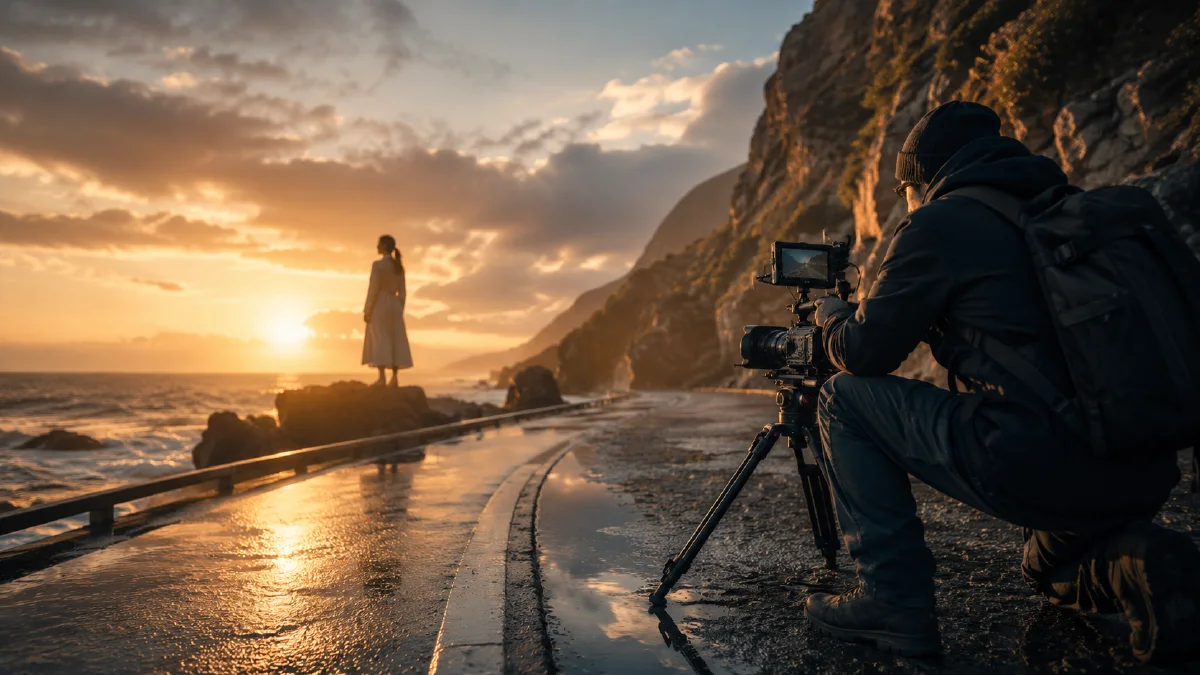
Composition Principles for AI Images and Video
Use rule of thirds, leading lines, and visual weight to remove the generic AI look from images, keyframes, product shots, and video prompts.
Try this workflow in Naviya
Use the guide to shape a still image, then keep it as a first frame or campaign asset.
Open the studio
Many AI images look technically polished but emotionally flat. The reason is often composition. The subject may be beautiful, the lighting may be sharp, and the render may be detailed, but the image still feels generic because everything sits in the center with no visual path, no breathing room, and no deliberate balance.
Composition is the difference between "what is in the image" and "how the image is read." This guide focuses on three practical principles that improve AI images and videos: rule of thirds, leading lines, and visual weight. For more prompt foundations, see AI composition prompts guide, AI camera angle prompts, and AI video camera movement prompts.
Why AI defaults to centered images
When a prompt only describes the subject, many models choose the safest layout: centered subject, symmetrical background, balanced lighting, and standard lens distance. That is useful for ID photos or clean product images, but it can make creative work feel static.
Weak prompt:
A portrait photo of a woman drinking coffee in a cafe, sunny day, beautiful light.
Better prompt:
Cinematic cafe portrait, woman seated on the right vertical third, looking out
the large window to the left. Wide negative space shows a sunlit street with
soft bokeh and long afternoon shadows. Warm film tones, shallow depth of field,
introspective mood.
The second prompt tells the model where to place attention.
Principle 1: Rule of thirds
The rule of thirds divides the frame into three vertical and three horizontal bands. Placing the subject on a third line or intersection creates breathing room. It also lets the environment carry meaning.
Use this formula:
[Subject] + [position in frame] + [negative space] + [environmental meaning]
Example:
Cinematic film still, shot on 35mm Kodak Portra 400 with an anamorphic lens.
A solitary woman sits in a minimalist cafe, framed strictly on the right vertical
third. She gazes out a floor-to-ceiling window to the left, creating vast
negative space. The window reveals a sun-drenched street with elongated shadows,
soft bokeh, dust in the light beams, warm tones, subtle film grain.
For product images:
Premium product photography of a black perfume bottle placed on the left third
of the frame. The right side remains open with soft silk texture and warm light,
creating elegant negative space for campaign copy. Chiaroscuro lighting,
luxury editorial mood, glossy surface reflection.
For video keyframes, rule of thirds can guide motion. If the subject begins on the left third, the camera can pan right into the empty space or track with the subject while preserving off-center tension.
Principle 2: Leading lines
Leading lines guide the viewer's eye through the frame. Roads, railings, ceiling lights, rivers, shelves, cables, shadows, and fabric folds can all become visual arrows.
Useful terms:
- Leading lines.
- Vanishing point.
- One-point perspective.
- Perspective depth.
- Visual flow.
- Deep depth of field.
Architectural prompt:
Wide-angle shot of a futuristic museum interior. Strong leading lines formed by
ceiling lights and floor seams guide the eye toward a central figure in the
distance. One-point perspective, deep depth of field, minimalist composition,
cool white light, quiet cinematic atmosphere.
Race car keyframe:
Low-angle photograph of a race car on an asphalt track, perspective view.
Track markings and guardrails form strong leading lines converging at a
vanishing point on the far horizon. The car is sharp and ready to accelerate.
Dramatic sunset light, long shadows, anticipation, 16:9.
Video prompt:
The camera tracks behind the car at high speed as it accelerates toward the
vanishing point. Track lines stretch forward, background motion blur increases,
and the car remains sharp in the lower center of the frame.
Leading lines are especially useful in Naviya video generator because they make camera movement feel motivated.
Principle 3: Visual weight
Balance does not always mean symmetry. Visual weight is the amount of attention an element pulls. A bright object can feel heavier than a dark object. A saturated red dot can outweigh a large grey wall. A face pulls more attention than a background pattern.
Three dimensions of visual weight:
| Dimension | Heavier element | Lighter element |
|---|---|---|
| Brightness | Bright highlight | Dark low-detail area |
| Color | Warm or saturated color | Cool or muted color |
| Scale | Large object | Small object |
Asymmetrical balance prompt:
Product photography of a black perfume bottle on the left side of the frame.
On the right side, a soft warm beam of light illuminates white silk texture,
balancing the dark product with brightness and fabric volume. Luxurious
chiaroscuro lighting, refined editorial composition, no text.
Portrait balance prompt:
Off-center portrait of a traveler standing on the far left of a foggy mountain
road. On the right, a small warm orange tent glows in the distance, balancing
the human figure with color and light. Wide cinematic frame, quiet atmosphere.
Prompt vocabulary for better composition
Use these phrases when generating in Naviya image generator:
| Goal | Prompt terms |
|---|---|
| Break center framing | rule of thirds, off-center composition, subject on left third |
| Add breathing room | negative space, wide frame, open sky, empty wall |
| Guide the eye | leading lines, vanishing point, one-point perspective |
| Add depth | foreground element, midground subject, background bokeh |
| Build tension | asymmetrical balance, visual weight, diagonal composition |
| Control camera | low angle, high angle, wide-angle, close-up, tracking shot |
Universal composition template
Composition: [rule of thirds, leading lines, asymmetrical balance].
Subject: [specific subject] positioned [left third, right third, lower third].
Environment: [space that creates negative space or visual path].
Guiding element: [road, light beam, rail, fabric fold, river, architecture].
Balance element: [color, light, object, reflection] on the opposite side.
Lighting and style: [mood, lens, color grade, texture].
Example:
Wide shot, rule of thirds composition. A lonely astronaut stands on the far left
of a crater field, looking toward a massive planet on the right. Leading lines
from the crater ridges guide the eye to the horizon. Balanced visual weight
between the small bright astronaut and the huge softly glowing planet. Cinematic
lighting, subtle film grain, 16:9.
Dynamic composition for video
Video adds time. Composition can change during the clip:
- Dolly in along leading lines.
- Pan from negative space toward the subject.
- Track a subject while keeping them off-center.
- Start with a balanced wide shot, then push into a detail.
- Use foreground objects to reveal the subject.
Video prompt:
Start with the subject on the right third and wide negative space on the left.
The camera slowly pans left into the empty space, revealing the city view through
the window. Keep the subject calm and still, with soft light and shallow depth
of field.
For image-to-video, create the first frame with composition already solved. Then use Naviya image-to-video to add movement without rebuilding the scene.
Try it in Naviya
Generate composition-focused stills in Naviya image generator, then animate approved frames with image-to-video. For reference-driven campaign shots, use reference-to-video to keep your subject stable while testing different camera paths.
Composition checklist
- The subject is not centered by default.
- The frame has breathing room.
- The viewer's eye has a path.
- Visual weight is balanced intentionally.
- The camera angle supports the story.
- Video motion follows the composition instead of fighting it.
Better AI images come from better visual decisions. Prompt the frame like a director, not just a describer.