2026-06-12
Batch Ecommerce Product Video Ads From One White-Background Image
Create multiple ecommerce product video ads from one white-background product image with AI storyboards, macro stills, motion prompts, and edit guidance.
Try this workflow in Naviya
Turn a product, hook, or campaign idea into short social-ready ad concepts.
Create video ad variants
Batch ecommerce product video ads turn one white-background product image into multiple short clips. The workflow is built for products that are hard to understand from a static image alone: apparel texture, fabric flow, material detail, surface finish, construction, and lifestyle value.
The most reliable structure is a three-part visual factory: the planning brain, the image stage, and the motion stage. The planning stage creates the storyboard. The image stage generates high-quality stills. The motion stage turns the stills into video clips. After that, you edit the clips into ads.
Use AI Image Generator for the stills, Image to Video for product motion, and AI Video Ads for ad-ready batches. Related guides include ecommerce product video AI, product image to video guide, AI video prompt guide, and batch fashion ecommerce image workflow.
Definition
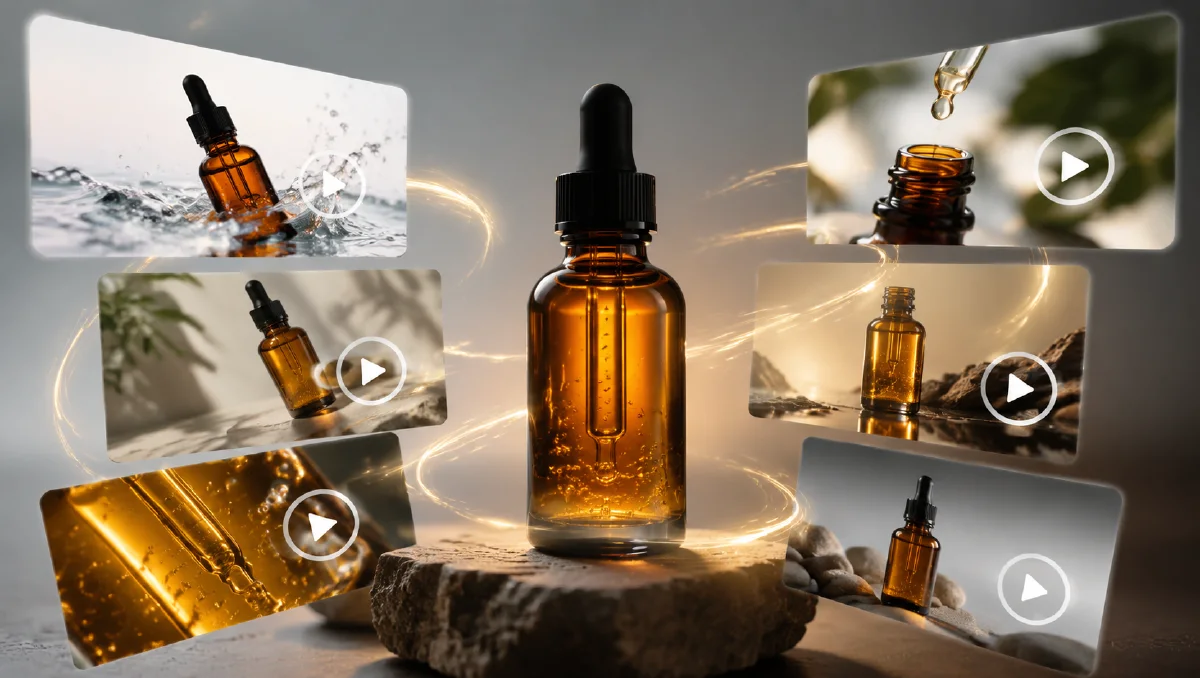
Batch product-to-video ad generation is the creation of several short product videos from one product image. Instead of generating one clip, the workflow creates a set of storyboarded scenes: overall product shots, macro details, material motion, and final hero clips.
The goal is to produce enough high-quality video material for testing different hooks and edits.
Step 1: Load the product
Start with a clean white-background image. For apparel, the AI should identify fabric, silhouette, knit, sleeve, collar, hem, and drape. For other products, it should identify material, finish, key components, and scale.
Product analysis prompt:
Analyze this product image for ecommerce video planning.
Identify product type, material, shape, texture, key details, and what shoppers need to see.
Then create a product video storyboard with overall shots and macro detail shots.
Step 2: Plan ten golden shots
A strong batch structure:
| Shot type | Count | Purpose |
|---|---|---|
| Overall product shots | 3 | Show silhouette, space, and hero shape |
| Macro detail shots | 7 | Show fabric, texture, seams, finish, and craft |
For apparel, the macro shots might include cuff, collar, knit surface, hem, weave, button, zipper, or sleeve. For a tech product, they might include ports, material edge, surface finish, button, lens, hinge, or texture.
Storyboard prompt:
Act as a luxury ecommerce visual director.
Create 10 video storyboard shots for this product.
Include 3 overall product shots and 7 macro detail shots.
For each shot, provide: shot name, composition, lighting, still image prompt, and motion prompt.
Keep all shots product-faithful and commercially usable.
Step 3: Generate still images first
Do not generate video before checking the still frames. Video costs more time and credits, and poor stills become poor motion.
Overall still prompt:
Create a premium ecommerce product still.
Product: use the uploaded product image as reference and preserve details.
Shot type: overall hero shot.
Scene: clean commercial studio with subtle depth and controlled light.
Composition: product floating or standing with clear silhouette.
Style: premium ecommerce, high detail, realistic material.
Constraints: preserve product shape, color, texture, and proportions. No fake text.
Macro still prompt:
Create a macro detail still for ecommerce.
Product detail: [cuff, collar, fabric texture, edge, seam, closure].
Camera: close-up macro, shallow depth of field.
Lighting: soft grazing light that reveals texture.
Style: realistic product detail, high clarity.
Constraints: preserve real material behavior and construction. Do not invent details.
Approve the stills before moving to video.
Step 4: Generate motion
Motion should match the shot:
| Shot | Motion |
|---|---|
| Overall hero | slow push-in, slow orbit, floating reveal |
| Fabric detail | gentle wave, light sweep, texture movement |
| Hard product detail | reflection sweep, focus pull, macro track |
| Final hero | slow pull-back to full product |
Motion prompt:
Animate this product still into a 5 second ecommerce ad clip.
Camera: [slow push-in, macro track, gentle orbit].
Motion: [fabric moves subtly, light sweeps, product floats, reflection shifts].
Style: premium ecommerce product video, realistic physics, clean background.
Constraints: preserve product shape, color, material, texture, and proportions. No extra objects or fake text.
Step 5: Edit into ad variants
A ten-clip batch can produce multiple ads:
- Texture-first ad: macro detail opens the video.
- Hero-first ad: full product appears immediately.
- Problem-solution ad: product benefit appears in captions.
- Premium mood ad: slow cinematic sequence.
- Fast social ad: rapid 1-second cuts.
Use AI Video Ads to create variants with different hooks and aspect ratios.
Ad edit recipes
Use the same ten clips in different orders:
| Recipe | Order | Best for |
|---|---|---|
| Detail hook | macro, macro, hero, benefit, final product | fabric-heavy apparel |
| Hero hook | full product, feature detail, lifestyle, final product | new product launches |
| Texture proof | material close-ups, motion, fit or use, end card | premium categories |
| Fast test | five one-second clips plus offer | paid social testing |
This is why batch generation is powerful. The clips are raw material. The edit decides the sales argument.
Approval gate
Before generating all ten videos, approve three stills and one motion clip. If the product warps during the first motion test, fix the motion prompt before scaling.
Final packaging
Export the winning clips in the formats your channels actually need: 9:16 for Reels and Shorts, 1:1 for feed tests, 4:5 for social ads, and 16:9 for landing pages. Keep the final product frame long enough for shoppers to understand what is being sold.
Batch review and naming
Batch generation becomes hard to manage if every file is named "final video." Use a simple naming system that records the product, shot type, hook, and status. For example: linen-shirt_macro-texture_v1_approved or speaker_desktop-hero_hook-bass-test. Good naming helps teams compare clips without reopening every file.
Review batches in three passes:
- Product accuracy pass: reject clips with changed shape, color, material, or scale.
- Channel pass: mark whether each clip works for product page, paid social, email, or landing page.
- Hook pass: choose which clip should open each ad variant.
This prevents the common mistake of choosing the most cinematic clip first. A beautiful clip that hides the product is not the best ecommerce asset. A simple macro shot with accurate texture may be more valuable because it can open three different ads, support a product page, and work as a vertical crop.
For larger catalogs, create one batch template per category. Apparel may need fit, fabric, full-body, and styling shots. Beauty may need bottle, texture, application cue, and final pack shot. Tech may need hero angle, port detail, scale context, and usage scene. Category templates make batch creation faster while keeping the assets useful.
Set a stop rule as well. If three early motion tests all warp the product, pause the batch and strengthen the stills. Scaling a weak prompt only creates more review work. A smaller approved set is more valuable than twenty clips that no channel can safely use.
Try it in Naviya
Upload a product image to AI Image Generator, generate the ten still storyboard frames, approve the best stills, then animate them with Image to Video. Use AI Video Ads to turn the clips into testable ad versions.
Cost control checklist
- Generate storyboard text first.
- Generate still images second.
- Only animate approved stills.
- Start with three clips before running all ten.
- Keep motion prompts simple.
- Reuse the best clips across several edits.
Batch video generation works when the workflow is disciplined. Let planning decide the shots, let still images prove the composition, and let motion add product life only after the visuals are strong.