2026-06-12
AI Headphones Product Video Workflow for Social Ads
Create AI headphones product videos with consistent characters, keyframes, product detail, image-to-video motion, music pacing, and ad variants.
Try this workflow in Naviya
Use references when identity, product shape, outfit, or style needs to stay consistent.
Try reference to video
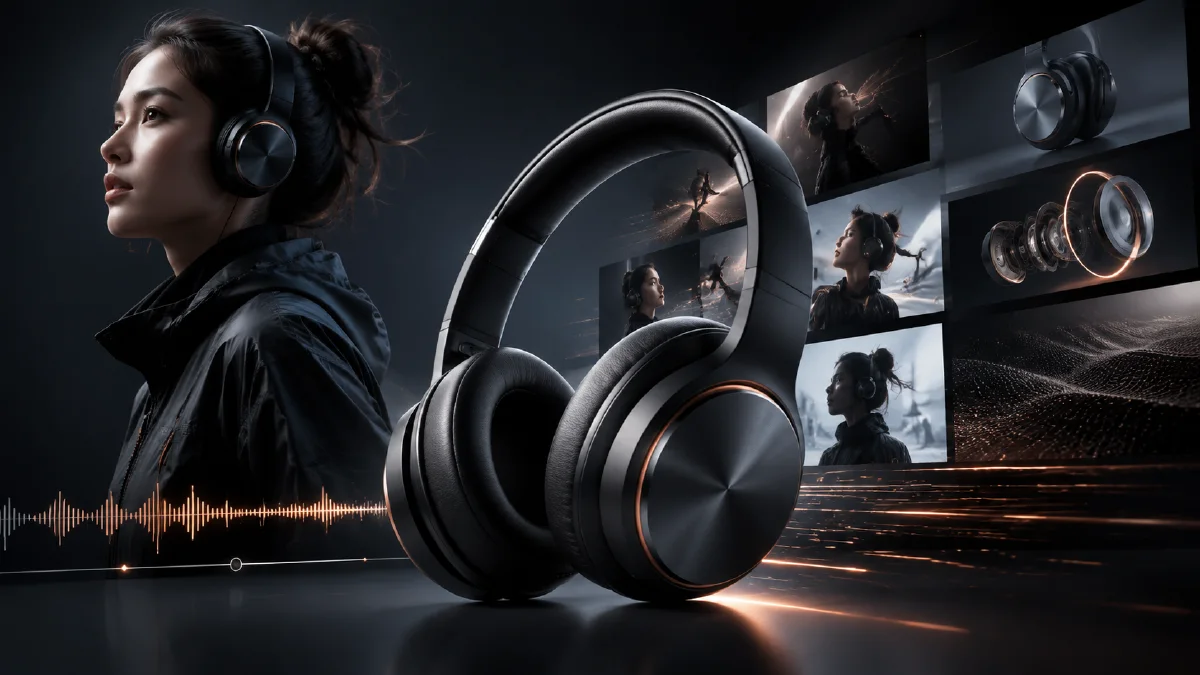
Headphones ads can be made without a physical shoot if the creative system is clear. The product needs to stay consistent, the character needs to feel believable, and the sequence should show the emotional shift from curiosity to enjoyment. A simple keyframe workflow works well: define the unchanging elements, generate the main frames, animate each frame, then edit with music and captions.
Use Naviya AI Video Generator to create the ad concept, Naviya Image to Video to animate keyframes, and Naviya AI Video Ads to produce social variants. For broader performance creative, use the AI video generator for social ads and product image to video guide.
Lock the unchanging elements
Before writing keyframe prompts, define what must remain stable. For a headphones ad, the stable elements are usually the person, the environment, and the product.
Character:
- Young adult with a consistent hairstyle.
- Casual outfit that does not distract from the product.
- Expression shifts from anticipation to enjoyment.
Scene:
- Lively street, campus, studio, or bedroom.
- Warm soft light.
- Background movement that supports energy but does not overpower the product.
Headphones:
- White or black wireless headphones.
- Matte or soft-touch texture.
- Clear earcups or earbuds.
- Small logo area or accent detail.
- Stable fit on the head or ears.
Write these details once and reuse them. Consistency is what makes the final edit feel intentional.
Plan the keyframes
A simple headphones social ad can use four keyframes:
| Keyframe | Job | Expression |
|---|---|---|
| Person sees or holds headphones | Introduce desire | Curious or expectant |
| Person puts headphones on | Show product interaction | Focused |
| Person moves with the music | Show emotional benefit | Relaxed or happy |
| Person smiles to camera | Create final brand memory | Confident and joyful |
This sequence is easy to understand without sound. Even if viewers watch with muted audio, they can read the product story through action.
Create the opening keyframe
The opening frame should make the product visible fast. If the person is already wearing headphones, the product should be large enough to recognize. If they are holding the headphones, the hand pose must be natural.
Prompt:
Create a social ad keyframe for wireless headphones.
Scene: lively city street with warm soft light and subtle background activity.
Subject: stylish young adult with light brown hair, casual black top and light blue jeans.
Product: white wireless noise-canceling headphones, matte texture, small pale gray logo area on the earcup.
Expression: expectant, about to put on the headphones.
Composition: product and face clearly visible, clean social ad framing.
Constraints: realistic hands, stable headphones, natural face, no fake readable text.
Review the hand and earcup position carefully. If the product is already distorted in the still, video will make it worse.
Animate the interaction
The key action is putting on the headphones. Keep it smooth and close enough for the viewer to see the product. Do not ask for dancing, camera spin, and product close-up in the same clip. Make the interaction clip do one job.
Motion prompt:
Animate this headphones keyframe into a 5 second social ad clip.
Camera: gentle push-in.
Motion: the person lifts the white headphones and places them naturally over the ears.
Expression: anticipation shifts into relaxed enjoyment.
Lighting: warm soft street light.
Constraints: preserve headphone shape, earcup position, hands, hair, and face.
The next clip can show movement:
Animate this second keyframe into a 5 second lifestyle headphones clip.
Camera: handheld-style slow tracking shot.
Motion: the person walks and moves lightly with the music, smiling naturally.
Product: white headphones remain securely positioned and visible.
Mood: energetic, casual, happy, social.
Constraints: stable product, natural body movement, no extra limbs, no warped face.
Keep the movement believable. A small head nod or walking rhythm often feels more premium than exaggerated dancing.
Add product detail shots
A headphones ad should include at least one product detail. This can be an earcup close-up, a hand touching the side control, a light sweep over matte material, or the headphones resting on a reflective surface. Detail shots make the product feel real and help the video sell design rather than only lifestyle.
Detail prompt:
Create a macro product keyframe for white wireless headphones.
Subject: matte earcup with subtle pale gray logo area and soft cushion texture.
Lighting: warm highlight with clean shadow.
Composition: close-up product detail, premium 3C product ad style.
Constraints: no fake readable text, no extra buttons, stable earcup shape.
Animate it with a light sweep or slow orbit. Use it between the wearing shot and the enjoyment shot.
Edit for social platforms
For a 9:16 ad, keep the face and headphones in the safe center area. Leave room for captions at the top or bottom. The first second should show either the product or the moment of putting it on. Do not open with a wide street scene where the headphones are too small.
Suggested 8 second edit:
- Product in hand, 1.5 seconds.
- Putting headphones on, 2 seconds.
- Earcup detail, 1 second.
- Moving with music, 2 seconds.
- Smile or final pose, 1.5 seconds.
Use music to set pace, but make the visual story work silently. Add real captions in post if you need benefit copy such as "Focus on what you love" or "Your sound, your space."
Prompt variations by selling point
Headphones can support several different ad promises, but each promise needs a different visual proof. Do not use the same prompt for every angle.
| Selling point | Best visual | Motion idea |
|---|---|---|
| Comfort | Person wearing headphones naturally | slight head turn, relaxed expression |
| Sound immersion | Lifestyle scene with softened background | slow push-in, world quiets visually |
| Portability | Hands folding or placing headphones in bag | one clean hand action |
| Premium materials | Macro detail on ear cup, hinge, or cushion | controlled light sweep |
| Gaming or focus | Desk scene with screen glow | subtle camera slide, product remains sharp |
Write one prompt per selling point, then keep product constraints identical: ear cup shape, headband structure, color, logo area as a plain shape, cushion thickness, and scale on the head. If the model changes the design, go back to a still frame in AI Image Generator before animating again.
For a product launch, make two cuts. The first is a product-detail cut for landing pages and marketplace media. The second is a lifestyle cut for social. The AI product scene generation workflow can help create believable desk, commute, gym, or travel contexts, while AI Video Ads can turn the strongest opener into multiple hook tests.
Try it in Naviya
In Naviya, define the stable character and headphones details first. Generate four keyframes, then animate each with a simple action. Use the video ads workflow to test different openers: product close-up, putting-on action, or already-wearing lifestyle moment. Keep the same character and product description across every prompt so the variants feel like the same campaign.
For a 3C product campaign, create one product-detail cut and one lifestyle cut. The detail cut sells design. The lifestyle cut sells emotion. Together, they give you a stronger ad set than either one alone.
Final checklist
Before exporting, check the headphones shape, ear placement, hand anatomy, and character consistency. Does the expression change feel natural? Is the product visible in the first second? Does the final frame feel like a brand moment? If yes, the workflow can produce a clean headphones social ad without a shoot.