2026-06-12
Camera-First AI Video Prompts: Build Space Before Action
Use camera-first AI video prompts to establish lens, movement, space, and subject direction before describing action, reducing drift and direction confusion.
Try this workflow in Naviya
Use the guide to shape a still image, then keep it as a first frame or campaign asset.
Open the studio
Many AI video prompts describe action first and camera last:
A man walks into a room and sits down, camera slowly pushes in.
This sounds natural to a human because we can imagine the whole scene at once. A video model has to assemble the shot from tokens. If the action is defined before the camera and space, the model may create a person, then a room, then try to add camera motion afterward. The result can feel stitched together: direction changes, perspective drifts, or the camera move does not match the action.
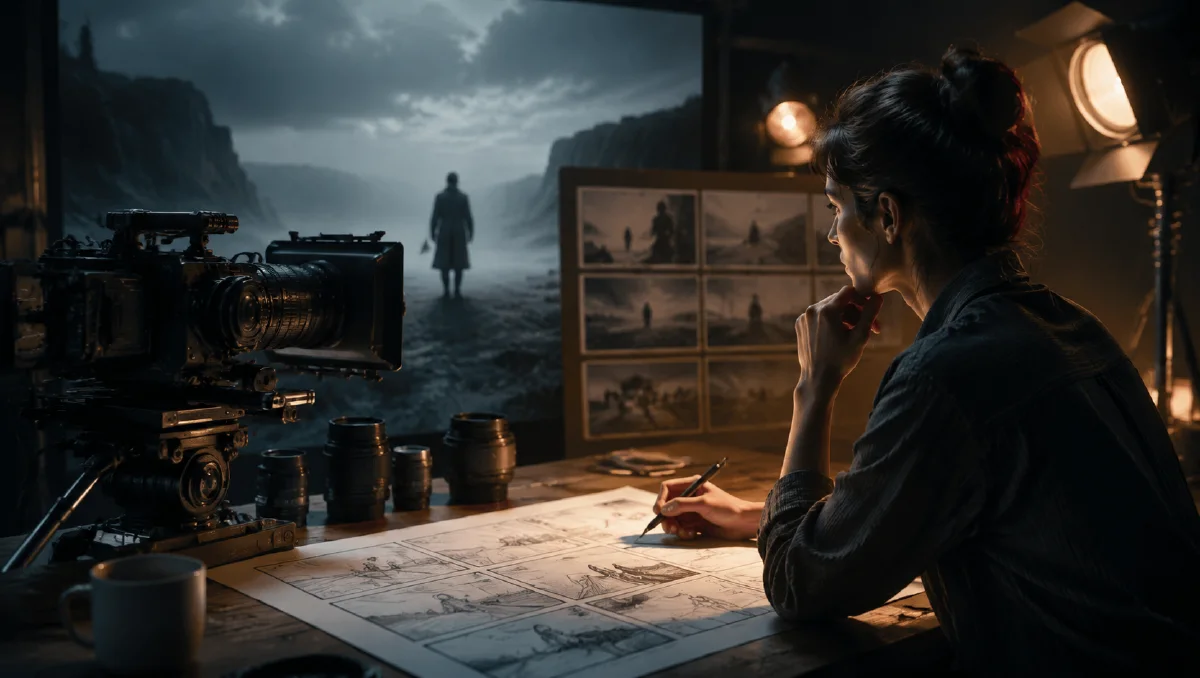
Camera-first prompting reverses the order. Start with lens, camera position, movement, and spatial field. Then add the environment. Then place the subject's action inside that field.
Use this guide with Naviya AI Video Generator and Naviya Image to Video. For broader structure, read the AI video prompt guide. For movement terms, use AI video camera movement prompts. For camera angle vocabulary, read AI camera angle prompts.
Put the camera before the action
Compare these two prompts.
Action-first:
A man walks into a dark room, sits on a chair, and looks down. The camera slowly pushes in. Cold light from the window.
Camera-first:
Slow low-angle push-in shot from the doorway into a dark empty room. Cold blue window light cuts across the wooden floor. A man enters from the left edge of the frame, moves into the center of the push-in, and slowly sits on the chair, head lowered.
The second prompt gives the model a moving spatial container before the subject moves. The man does not just "walk into a room." He enters from the left edge and becomes part of a push-in already in progress.
Build a spatial field
A camera-first prompt should answer:
- What lens or shot type defines perspective?
- Where is the camera?
- How does the camera move?
- What environment is revealed by that movement?
- Where does the subject enter, move, or stop relative to the lens?
Use this structure:
Lens and shot type -> camera position and movement -> environment -> subject direction -> detail.
Example:
35mm handheld tracking shot at waist height, moving backward through a narrow market aisle. Neon signs and hanging fabric pass close to the lens in the foreground. A woman in a green silk dress walks toward the camera from the depth of the frame, keeping pace with the backward movement. Warm side light catches the dress as the background crowd blurs.
The camera and subject now share one coordinate system.
Use the camera as the origin point
Directional words like forward, backward, left, and right can be ambiguous unless you define them relative to the camera. Instead of writing "the warrior runs forward," write what happens in the frame.
Examples:
The warrior runs directly toward the camera, his body rapidly growing larger in the frame.
The woman turns away from the camera and walks toward the deep background, her silhouette gradually shrinking into the fog.
A red sports car enters from the right edge of the frame, crosses in front of the lens, and exits through the left edge.
Low-angle upward shot as an eagle dives from the sky toward the lens, talons enlarging rapidly near the camera.
These descriptions are harder to misread because they define motion as screen behavior, not abstract character intention.
Control entrances and exits
AI video models can struggle when characters or objects appear from nowhere. Use frame edges and depth cues.
For entry:
The subject enters from the left frame edge, partially hidden at first, then steps fully into the center of the shot.
For exit:
The subject crosses the foreground from center to right and exits through the right frame edge, leaving the background visible.
For depth:
The subject begins as a small figure in the far background and walks toward the camera along the center aisle, increasing in size with each step.
Entrances and exits give the model boundaries. They also make clips feel edited rather than randomly animated.
Match camera motion to subject motion
Camera-first does not mean the camera must move. It means the camera decision leads.
Common pairings:
- Slow push-in plus subject holding still: pressure, realization, intimacy.
- Dolly out plus subject approaching: tension, scale, threat.
- Side tracking plus walking subject: journey, momentum, fashion, product lifestyle.
- Locked-off wide shot plus tiny movement: loneliness, restraint, surveillance.
- Handheld follow plus subject weaving through a crowd: urgency, realism.
Example:
Locked-off symmetrical wide shot of a bright pastel hotel lobby. Center composition, no camera movement. A bellhop in a pink uniform steps out from the central doorway, walks straight toward the camera, and stops exactly in the middle of the frame.
The still camera reinforces order. A shaky camera would fight the composition.
Five-part camera-first prompt template
Use:
1. Optical style: lens, shot size, depth of field.
2. Camera path: fixed, push-in, dolly out, pan, tilt, track, orbit.
3. Environment: spatial layers, light, atmosphere.
4. Subject path: direction relative to the camera.
5. Detail: small interaction, texture, constraint.
Example:
Anamorphic wide shot with shallow depth of field. The camera is placed low near the concrete floor and slowly dollies backward. Inside a ruined industrial warehouse, a narrow beam of light falls from the broken ceiling through dusty air. A large mechanical puppet emerges from the deep background shadows and walks toward the camera, growing larger as the camera retreats. Oil glints on its metal joints as it enters the light. No sudden cuts, no extra characters.
This prompt gives the model perspective, motion, environment, subject direction, and detail in a sequence that supports video generation.
When to use image-to-video instead
Camera-first prompts are strongest when you need text-to-video control. If you already have a precise first frame, Naviya Image to Video can preserve composition while you add limited motion. In that case, do not over-describe the whole frame again. Describe the camera move and the subject movement relative to the existing image.
Example:
Preserve the first frame composition. The camera makes a slow push-in toward the subject while rain continues falling in the background. The subject remains mostly still, only turning their head slightly toward camera.
Try it in Naviya
Use Naviya AI Video Generator for full camera-first scenes. Use Naviya Image to Video when the first frame already has the right composition. If the clip needs a planned change from one visual state to another, combine this approach with AI video state flow prompts.
Camera-first QA
After generation, pause the first second and ask whether the viewer understands the space before the action begins. If the answer is no, the prompt likely described action too early.
Check:
- The camera has a clear height and distance.
- The subject has a defined entrance, exit, or screen position.
- The background supports direction instead of becoming random detail.
- The camera move is motivated by the subject or reveal.
- The clip still works when watched silently on a phone.
For commercial clips, keep the product or hero character in a protected area of the frame. For cinematic clips, you can allow more shadow and obstruction, but the camera still needs readable intent.
Final takeaway
Camera-first prompting builds space before action. Put the lens, position, movement, and environment first. Then describe subject motion relative to the camera. The model gets a clearer stage, and the clip is less likely to drift, reverse direction, or feel pasted together.