2026-06-12
AI Video State Flow Prompts: Replace Action Lists with Believable Motion
Write better AI video motion prompts by replacing action lists with state flow, anchor actions, manner details, and mid-action snapshots.
Try this workflow in Naviya
Apply the prompt structure directly inside Naviya video generation workflows.
Plan a video prompt
AI video state flow prompts work better than action lists because video models do not understand a short clip the way a director reads a script. If you stack too many verbs, the model may try to blend them into one unstable body state.
That is why a prompt such as "a man runs, jumps over a barrier, and rolls on the ground" often produces a figure sliding, twisting, or changing shape. The model is trying to satisfy several action targets in too little time.
For stronger motion, write the physical state of the clip. Use one anchor action, add manner details, and describe the most important moment as a believable state. This approach fits the structure in the AI video prompt guide and works especially well for Naviya Video.
Why action lists fail
An action list sounds clear to a human:
The athlete runs, jumps, twists, lands, and looks back.
To the model, this can become a pile of competing visual goals. Is the body running or jumping? Are the feet on the ground or in the air? Is the torso turned backward or facing forward? Should the clip show the start, middle, or end of the action?
Short AI clips usually need one primary motion idea. The detail should explain how that motion feels, not add more unrelated actions.
Choose one anchor action
The anchor action is the motion that controls the body's weight, inertia, and direction. Everything else should support it.
Good anchor actions:
- walking
- sprinting
- sitting down
- turning toward camera
- lifting a cup
- pushing a door open
- leaning against a wall
- reaching for a product
Once the anchor is chosen, satellite actions can attach to it. A person can sprint while glancing over one shoulder. A person can sit while adjusting a sleeve. A person can lift a cup while the eyes soften.
The key is hierarchy. The satellite action should not fight the anchor.
Replace extra verbs with manner details
If the prompt feels too simple, do not immediately add more actions. Add manner.
Weak:
A woman runs fast in the forest.
Stronger:
A woman sprints through a wet forest, torso leaning forward, shoulders tense, breath visible in cold air. Wet hair streams backward with speed, boots strike mud and splash water, camera tracks low beside her at knee height.
The anchor action is still sprinting. The prompt becomes richer because it describes gravity, speed, air, water, posture, and camera position.
Useful manner categories:
- Weight: heavy, light, stumbling, balanced, grounded.
- Rhythm: slow, hesitant, urgent, steady, interrupted.
- Body angle: leaning forward, shoulders turning, chin lowered.
- Material response: coat flapping, hair moving, fabric stretching.
- Environment response: dust lifting, water splashing, leaves shaking.
Make satellite actions obey the anchor
Satellite actions are small adjustments that ride on top of the main action. They should be phrased as consequences, not equal commands.
Flat action list:
A parkour athlete jumps across rooftops. He twists sideways. He tucks his legs. He throws his arms backward.
State-flow version:
A parkour athlete is captured mid-leap between rooftops. His torso twists slightly to control the landing angle, knees tucked close from the force of the jump, arms swept backward for balance. Sunset rim light outlines the body, background rooftops blur with speed.
The second version tells the model why each body part is doing what it does. The pose becomes coordinated.
Convert "then" into a mid-action state
Words like "then," "after," and "before" often cause trouble. The model may combine several time points into one frame. Instead of describing the whole sequence, describe the most cinematic state inside the sequence.
Script idea:
He finishes the drink, then slams the glass on the table angrily.
State prompt:
Extreme close-up of a clenched hand pressing an empty crystal glass hard onto a dark wooden bar counter. The knuckles are white from force, a few drops of amber liquid are still mid-splash from the impact, the base of the glass vibrates against the wood, jaw tight at the edge of frame.
The viewer understands what just happened. The model only needs to render one coherent physical moment.
This is useful for image to video too. If your first frame captures the right state, the animation can add small follow-through motion instead of inventing the full action sequence.
State-flow prompt template
Anchor action: [one primary motion].
Body state: [posture, weight, direction, tension].
Manner: [speed, rhythm, effort, emotion through physical detail].
Environment response: [water, dust, light, fabric, objects reacting].
Camera: [one shot size and one movement].
Constraints: [what must stay stable, what actions to avoid].
Example:
Anchor action: a courier sprinting through a narrow neon alley.
Body state: torso leaning forward, shoulders tight, one hand gripping a small package close to the chest.
Manner: urgent but controlled, heavy breathing visible in cold rain.
Environment response: shoes splash through shallow puddles, coat flaps backward, neon reflections ripple across wet asphalt.
Camera: low side-tracking shot, slight handheld vibration.
Constraints: keep the courier's face and outfit stable, no jumping, no fighting, no sudden scene change.
Debugging motion
| Problem | Fix |
|---|---|
| Body twists strangely | Reduce actions and choose one anchor |
| Motion feels weak | Add manner details and environment response |
| Clip looks like a pose | Add follow-through: fabric, hair, breath, water, dust |
| Scene changes mid-clip | Add composition and identity constraints |
| Action is confusing | Rewrite as one mid-action state |
| Camera feels chaotic | Use one camera movement only |
If the output is still unstable, shorten the shot or move the complex action into editing. The image to video workflow guide is useful when you need a designed first frame before animation.
Choose the right shot length
State-flow prompts work best when the clip has enough time for change but not enough time to drift. For most social and product work, five to eight seconds is easier to control than a long scene.
Use this planning rule:
| Clip length | Best use | Risk |
|---|---|---|
| 3 to 4 seconds | One micro-action, loop, product light sweep | Change may feel too subtle |
| 5 to 8 seconds | Clear state change with one camera move | Best balance for social clips |
| 9 to 12 seconds | Emotional beat, fashion walk, product reveal | Higher risk of identity drift |
| Longer sequence | Edited montage from multiple short clips | Too much for one prompt |
If the state change matters more than the environment, use a clean still and continue in Image to Video. If the world-building matters more, use AI Video Generator and keep the subject action simple. For ads, build several short state changes and assemble them in AI Video Ads instead of forcing one clip to do everything.
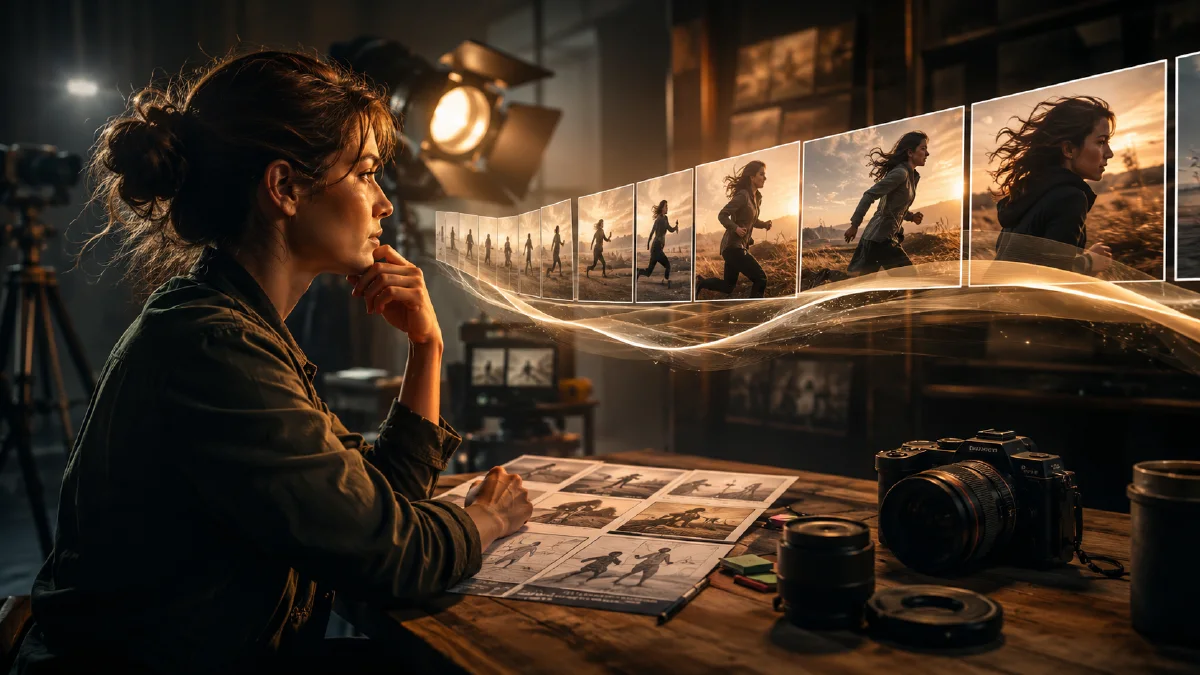
A strong state-flow prompt should be easy to storyboard in three thumbnails: start, change, end.
Try it in Naviya
Use Naviya Video to test state-flow prompts from text. Use Image to Video when you want a specific mid-action frame to drive the clip. For reusable prompt examples, pair this method with image to video prompts.
A good AI video prompt is not a full choreography sheet. It is a controlled physical state with enough motion evidence for the model to make it believable.