2026-06-12
AI Image Generator Models: How to Pick the Right Style and Workflow
Choose the right AI image generation workflow for anime avatars, portraits, product-style visuals, prompt-to-image, reference images, and image to video starts.
Try this workflow in Naviya
Use references when identity, product shape, outfit, or style needs to stay consistent.
Try reference to video
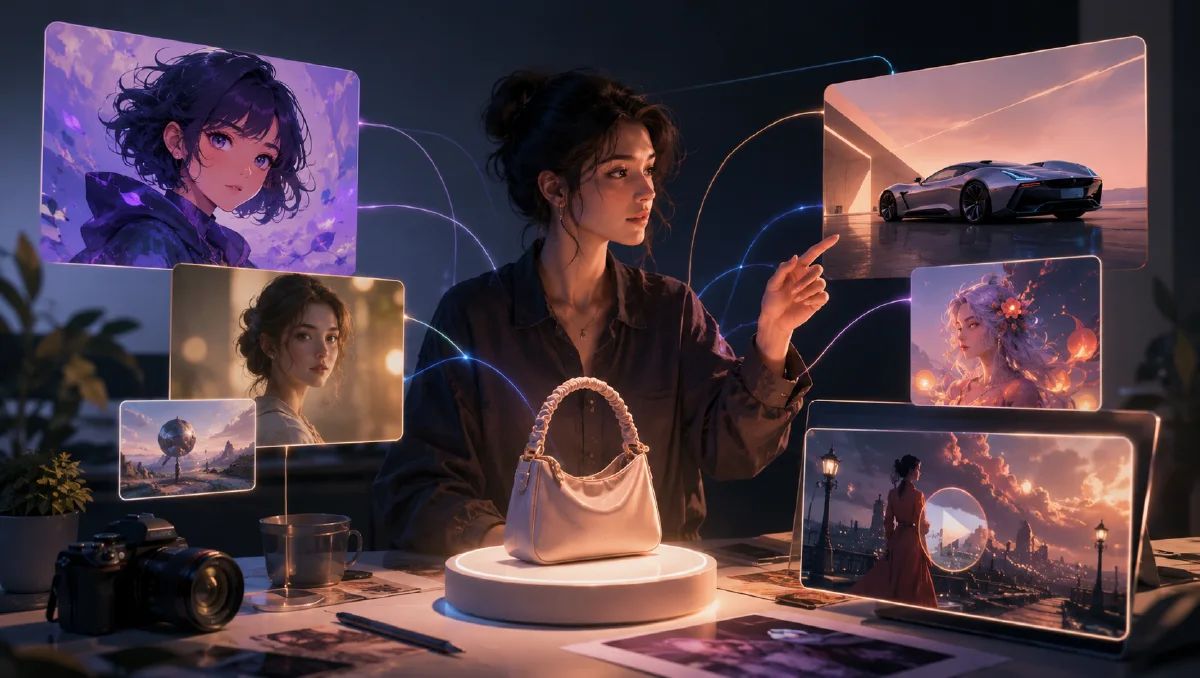
AI image generation is the fastest way to define a visual direction before creating video. A strong image can become an avatar, a concept frame, a poster, a product-style visual, or the first frame for an image to video clip.
The key is choosing the workflow before choosing the model.
Start with the output type
Ask what the image needs to do:
- Profile avatar.
- Anime character.
- Cinematic frame.
- Product-style visual.
- Social post.
- Storyboard frame.
- First frame for video.
Each output needs a different prompt and review process.
Text to image
Use text to image when you want to explore a new concept quickly.
Best for:
- Fresh character ideas.
- Mood boards.
- Visual exploration.
- Scene concepts.
- Social images.
Prompt structure:
Subject + style + composition + lighting + detail level + aspect ratio.
Example:
Anime portrait of a futuristic violinist, silver hair, black concert jacket, violet stage light, close-up, shallow depth of field, clean linework, cinematic mood.
Reference image workflow
Use reference images when identity, product form, pose, or style needs to stay consistent.
Best for:
- Character consistency.
- Product visuals.
- Face or outfit preservation.
- Brand style.
- Image to video starting frames.
The reference should be clean. If the source image has bad lighting, unclear hands, or weak composition, fix the image first.
Anime and avatar generation
Anime and avatar images need clear style boundaries. If you mix too many style references, the model may produce a generic result.
Useful details:
- Hair shape and color.
- Outfit silhouette.
- Face angle.
- Eye style.
- Background type.
- Lighting direction.
- Mood.
Avoid asking for every detail at once. The best avatar prompts are focused.
Product-style visuals
Product-style AI images need stability and clarity. The object should be readable before it is beautiful.
Use:
- Simple background.
- Controlled lighting.
- Clear camera angle.
- Reflective or matte surface.
- One product per frame.
- Logo readability constraints if relevant.
Then animate the final image with image to video if you need a reveal, turntable, light sweep, or social ad concept.
Images for video
If the image will become a video, design it like a first frame.
Good first frames:
- Leave room for motion.
- Keep the subject centered or intentionally framed.
- Avoid tiny complex details.
- Use clean silhouettes.
- Make the lighting direction obvious.
Bad first frames:
- Too many subjects.
- Cropped limbs that need to move.
- Unclear hands.
- Confusing background geometry.
- Text that must remain perfectly stable.
Choose the workflow by job
The right image workflow depends on what you need to protect later. A character portrait, a product hero shot, and a cinematic background can all be generated with the same broad tool category, but they should not use the same prompt strategy.
| Job | Best starting workflow | Main thing to protect |
|---|---|---|
| Avatar or profile image | Text to image, then reference refinement | Face, hair, outfit, crop |
| Product-style visual | Product reference or carefully described object | Shape, material, label area |
| Anime character | Style-aware text to image or reference image | Character identity and line style |
| Video first frame | Image generation with extra margin | Composition and motion room |
| Ad concept frame | Prompt-to-image with offer context | Hook, subject clarity, safe space |
If the final output will be used in a campaign, start with the audience and placement. A square ecommerce image should be clean and centered. A vertical social first frame should leave room for captions and platform UI. A cinematic 16:9 still can use more background detail, but the subject still needs to read quickly.
Prompt blocks that transfer into video
Reusable image prompt blocks are useful because the best still-image decisions can carry into video prompts. Save the parts that describe stable visual choices:
- Subject identity: face, outfit, product shape, character design.
- Composition: close-up, medium shot, centered hero crop, negative space.
- Lighting: violet rim light, soft morning light, dark studio edge light.
- Material: matte plastic, glossy glass, brushed metal, soft fabric.
- Style: anime film still, premium product photography, creator portrait.
For example, an image prompt might end with:
Centered hero composition, clean silhouette, dark studio background, violet rim light, enough margin around the subject for a slow camera push-in.
That same phrase can later become the foundation of an image to video prompt. The more clearly the still image expresses the intended motion, the easier the video step becomes.
Common image failures and fixes
| Failure | Why it happens | Fix |
|---|---|---|
| Generic face | Prompt describes mood but not identity | Add hair shape, face angle, outfit, and expression |
| Product looks invented | Object prompt is too broad | Use a reference or describe material, silhouette, and label area |
| Image is too crowded | Prompt includes too many props | Remove secondary objects and protect the main subject |
| Bad video starting frame | Subject is cropped too tight | Add margin and choose a stable camera distance |
| Style feels inconsistent | Too many style words conflict | Pick one style family and repeat it consistently |
Do not try to fix every failure by adding more adjectives. Often the better fix is subtraction: fewer props, one lighting direction, one style, and a clearer subject.
How to hand off an image to video
Before animating a generated image, write down what should stay unchanged and what can move. This short handoff note prevents the video prompt from fighting the image.
Example handoff:
Protect: same face, silver hair, black jacket, violet rim light, medium portrait composition.
Move: subtle blink, hair in wind, slow push-in, soft background particles.
Avoid: extra people, outfit changes, rapid camera spin, new city background.
For product visuals, the handoff might protect shape, material, packaging edges, and color. For anime, it should protect eye shape, outfit, linework, and color palette. For ads, it should protect first-second readability and caption-safe space.
Useful next guides
If you are building a first-frame workflow, pair image generation with the image to video workflow guide. If you need more camera control before generating the still, use AI camera angle prompts. For lighting and material quality, use the AI lighting prompts guide before moving to video.
Try it in Naviya
Start in Naviya AI Image Generator when you need a still, avatar, product frame, anime concept, or campaign image. Once the image has a strong subject and composition, animate it with Image to Video or use Reference to Video when identity or product consistency matters.
Naviya workflow
Naviya lets you move from image generation to video creation without changing tools. A practical sequence is:
- Generate several still concepts.
- Pick the strongest composition.
- Refine the prompt or reference.
- Use image to video for motion.
- Compare models if the motion fails.
- Save the prompt and reference for the next output.
The image is not just a final asset. It is the control layer for the next creative step.