2026-06-12
Prompt Workflow Hub for AI Creators
Use prompts as creative systems, not isolated commands, with practical workflows for image generation, video generation, references, ads, and reusable prompt libraries.
Try this workflow in Naviya
Use references when identity, product shape, outfit, or style needs to stay consistent.
Try reference to video
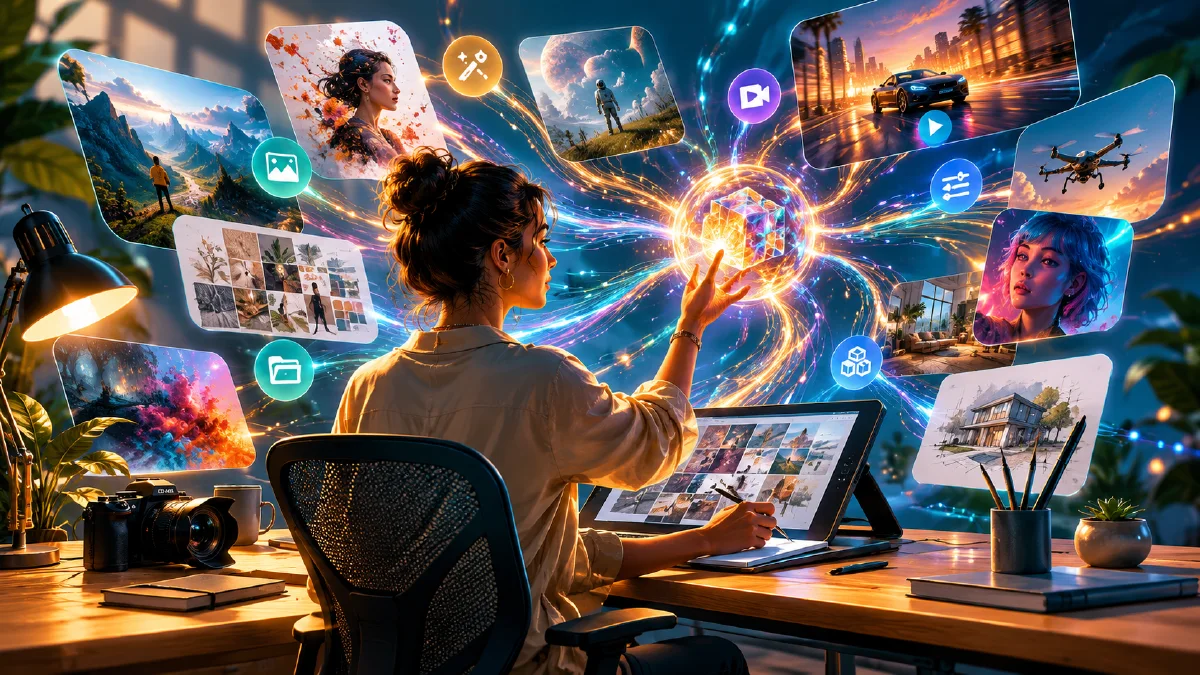
Prompts are not just instructions. For working creators, prompts are a creative operating system. A single prompt can make one image. A prompt workflow can make a campaign: reference images, shot lists, motion clips, product pages, UGC ads, talking videos, and reusable style libraries.
This hub gives Naviya creators a practical way to organize prompt work across image and video generation. Use it when you are moving from experiments to repeatable output. For fundamentals, start with AI video prompt guide, AI image generator models guide, and reference image prompting guide. When you are ready to produce, open Naviya image generator or Naviya video generator.
What is a prompt workflow?
A prompt workflow is a repeatable sequence of prompts, references, reviews, and refinements that turns an idea into a usable asset. It is different from a one-off prompt because it includes order, decision points, and quality checks.
For example, "make a fashion ad" is a prompt. A workflow looks like this:
- Define the audience and channel.
- Generate a visual style direction.
- Create or upload product references.
- Build a shot list.
- Generate still frames.
- Select the strongest frames.
- Animate with controlled motion.
- Edit, caption, and export.
- Save the reusable prompt structure.
That sequence lets a creator improve the system each time, not just retry random words.
The five prompt layers
Most creative AI projects use five layers:
| Layer | Question it answers | Example |
|---|---|---|
| Strategy | Why are we making this? | Launch a jacket for outdoor commuters |
| Visual style | What should it look like? | Cold mountain light, technical fabric, practical realism |
| Subject | What must stay consistent? | Jacket color, model identity, product logo, fit |
| Shot | What does this frame show? | Low-angle hero, cuff detail, campfire lifestyle |
| Motion | What changes over time? | Slow push-in, hand adjusts zipper, snow falls |
Weak prompting often skips strategy and subject consistency. Strong workflows define those layers before generating assets.
A simple creator workflow
Use this if you are building images, videos, or ads from scratch.
1. Write the creative brief
Goal: [what the asset must achieve]
Audience: [who should care]
Product or topic: [what must be shown]
Channel: [TikTok, Reels, landing page, marketplace, YouTube, email]
Tone: [premium, playful, educational, cozy, technical, cinematic]
Constraints: [brand colors, product details, no text, no extra objects]
A good brief protects the prompt from becoming decorative. It tells the model what the asset is for.
2. Generate the style map
Create three visual directions for [product/topic].
For each direction, define palette, lighting, composition, camera language,
background, subject styling, emotional tone, and what to avoid.
Pick one direction before you make the first image. Mixing every visual idea into one prompt usually creates noise.
3. Create the still frame
Still frames are the control surface for video. Use Naviya image generator to develop the frame first.
[Subject] in [scene], [camera angle], [composition], [lighting], [style],
product details preserved: [details], mood: [mood], aspect ratio: [ratio],
no text, no extra logo, no distorted hands.
For commercial work, include physical details: fabric weave, logo position, bottle material, shoe sole shape, packaging color, or product scale.
4. Animate only the approved frame
When the image is right, move to Naviya image-to-video. Keep the video prompt shorter than the image prompt.
Animate this approved frame. Camera: [one movement]. Subject motion:
[one action]. Environment motion: [one subtle effect]. Keep identity, product,
lighting, composition, and background stable. No scene change, no text.
If you are using brand, product, or character references, reference-to-video can help maintain continuity.
5. Save the pattern
After a good result, save the prompt as a pattern:
- What inputs it needs.
- Which words mattered most.
- Which constraints prevented failure.
- Which camera move worked.
- Which words caused distortion.
This is how prompt libraries become production assets.
Prompt templates by creator goal
Product image
Commercial product photography of [product] on [surface/background].
Composition: [hero, macro, flat lay, lifestyle]. Lighting: [softbox, rim light,
window light]. Product rules: preserve [shape, color, material, logo].
Mood: [premium, clean, playful, technical]. No extra text or fake labels.
See AI product scene generation for more product setup ideas.
UGC video
Short-form UGC video concept for [product]. Creator: [relatable person].
Opening hook: [line or visual action]. Scene: [bedroom, mirror, street, cafe].
Motion: [hold product, try on, point to detail, walk toward mirror].
Tone: natural, handheld, social, believable. Keep product details accurate.
For ad-ready UGC, use Naviya AI video ads and compare hooks.
Fashion lookbook
Fashion lookbook frame showing [model] wearing [outfit]. Full body visible,
natural pose, styling details: [shoes, bag, layer]. Background: [setting].
Lighting: [natural, studio, overcast]. Preserve garment fit, color, texture,
and silhouette. Editorial but wearable.
Talking creator
Warm talking creator video. Presenter sits at [desk/room] and explains [topic]
to camera. Voice: [tone]. Gestures: [small hand movements, nods]. Emotion:
[curious, reassuring, confident]. Keep eye contact and natural micro-expressions.
Prompt quality checklist
- The prompt says what the asset is for.
- The subject is concrete.
- The style uses visual words, not vague praise.
- Product or character details are protected.
- Camera and composition are specified.
- Motion has one clear action.
- Negative constraints remove likely failure modes.
- The output can be reused in a campaign, not only admired once.
Comparison: one prompt vs workflow
| Approach | Strength | Weakness |
|---|---|---|
| One prompt | Fast exploration | Hard to repeat, inconsistent style |
| Prompt chain | Better control | Needs review between steps |
| Reference workflow | Strong consistency | Requires clean inputs |
| Prompt library | Scales production | Needs naming and maintenance |
Most serious creators use all four. Explore with one prompt, control with a chain, stabilize with references, and scale with a library.
How to name and reuse prompts
A prompt library becomes useful when names explain intent. Avoid saving prompts as "good image 7." Use names that describe the workflow:
fashion-jacket-hero-snow-16x9ugc-mirror-shoe-pov-9x16perfume-black-silk-product-left-thirdtalking-creator-warm-desk-explainersneaker-cg-lab-exploded-view
For each saved prompt, keep three notes:
- Required references.
- Words that protect consistency.
- Known failure modes.
That turns prompting into a team asset. A designer, marketer, or editor can understand what the prompt does without re-discovering the whole experiment.
Review prompts like creative briefs
Before running a prompt, read it as if you were handing it to a photographer, designer, or editor. Could that person understand the subject, style, framing, usage, and constraints? If not, the model will also have room to drift.
Useful review questions:
- What is the asset supposed to do?
- What must remain consistent?
- What is the first thing the viewer should notice?
- What should not appear?
- Which part can be varied safely?
This review takes less than a minute and prevents many expensive reruns. Prompting gets easier when the brief is strong before the words become long.
Try it in Naviya
Start with a still frame in Naviya image generator, then animate approved frames in image-to-video. For reference-driven campaigns, use reference-to-video. For ad variations, build hooks in AI video ads.
The creator mindset
The best prompt is not the longest prompt. It is the prompt that carries intent from one asset to the next. Treat every useful result as a reusable workflow, and your creative output becomes easier to improve, brief, hand off, and scale.