2026-06-12
Product Link to Shoppable Video Workflow for Ecommerce Teams
Use product links, trend analysis, digital presenters, localization, and AI video generation to create scalable shoppable ecommerce clips.
Try this workflow in Naviya
Turn a product, hook, or campaign idea into short social-ready ad concepts.
Create video ad variants
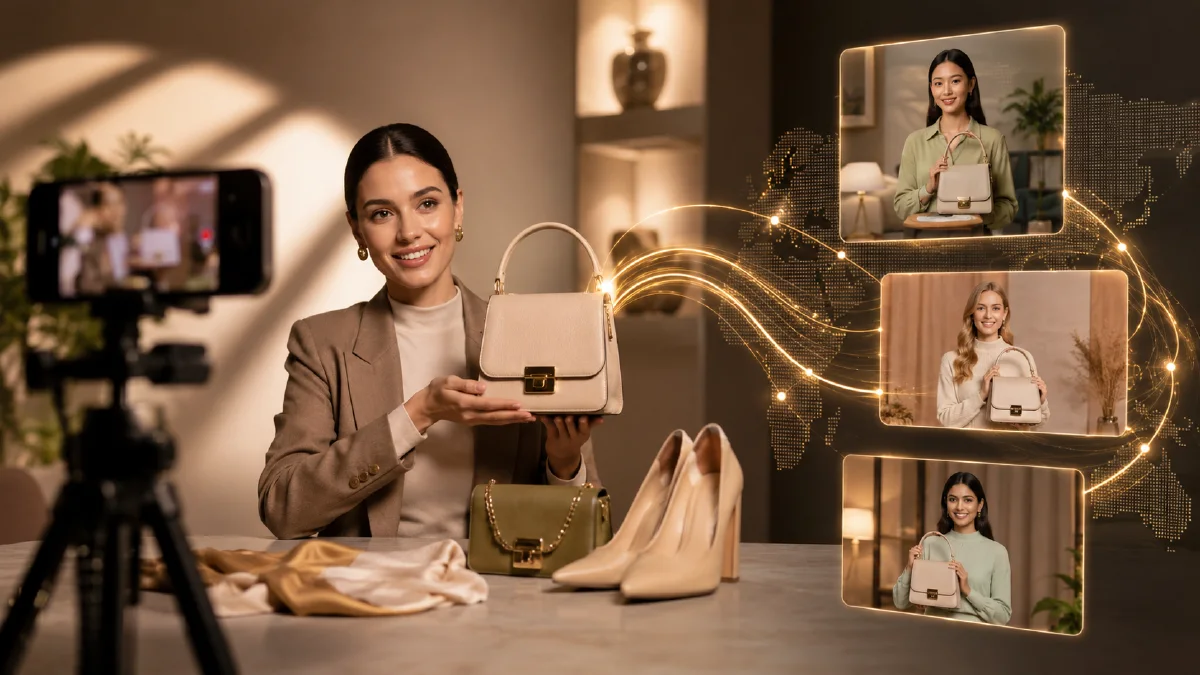
A product-link-to-shoppable-video workflow turns a product page into short selling clips. Instead of starting from an empty script, the workflow reads the product information, identifies selling points, builds a short video plan, selects a presenter style, and produces multiple ad or social variants.
This is useful for ecommerce teams that need to test many products quickly. A single product page can become a 15 second UGC-style clip, a feature explainer, a discount announcement, or a multilingual presenter video with matched mouth movement. The workflow is not magic. It works best when the product page already contains clear images, accurate specifications, and a concrete offer.
Use AI Video Ads for campaign variants, AI Video Generator for fresh video concepts, and Image to Video when you want to animate product images. Related guides include UGC AI video ad prompts, ecommerce product video AI, AI video hooks examples, and YouTube Shorts AI video generator.
Definition
Product-link-to-video means using a product URL or product page content as the starting brief for video generation. The page provides product name, images, price context, benefits, reviews, and specifications. The AI workflow turns that information into a script, scene plan, presenter clip, and export-ready video.
The best outputs are short, direct, and product-faithful. They do not invent features. They explain why someone should care.
Workflow overview
| Stage | Input | Output |
|---|---|---|
| Product import | Product URL or copied product details | Structured product facts |
| Trend scan | Category, audience, high-performing angles | Hook and offer direction |
| Script plan | Product facts and promotion | Short presenter script |
| Visual assembly | Product images and lifestyle direction | Clips, overlays, and product shots |
| Localization | Target market and language | Localized voice, captions, and lip movement |
| Export | Chosen format | Vertical, square, or feed-ready video |
For compliance, keep final claims aligned with the product page and approved offer.
Step 1: Extract the product brief
Before generating anything, convert the product page into a clean brief:
Product name:
Category:
Primary buyer:
Top 3 features:
Top 3 benefits:
Price or offer:
Use cases:
Common objection:
Proof points:
Must not claim:
The "must not claim" line is important. It prevents the video from exaggerating health, durability, performance, or compatibility claims.
Step 2: Choose the video angle
Do not create only one generic clip. Pick a specific selling angle.
| Angle | Best for | Example hook |
|---|---|---|
| Problem solution | Practical products | "This fixes the one thing I hate about travel packing." |
| Social proof | Popular products | "There is a reason this keeps selling out." |
| Feature demo | Technical products | "Here is what the magnetic closure actually does." |
| Offer urgency | Promotions | "The bundle makes more sense than buying one." |
| Lifestyle fit | Fashion and decor | "This is the piece that makes the whole outfit work." |
Use trend references carefully. The goal is to match the content pattern, not copy another creator's video.
Step 3: Write the presenter script
Keep the script short. A 15 second clip usually needs 40 to 55 spoken words.
Template:
Hook: [one sentence that names the problem or desire]
Product: [what it is]
Benefit: [why it matters]
Proof: [specific feature, review point, or use case]
Offer: [discount, bundle, launch, or call to action]
Example:
If your gym bag always turns into a mess, this organizer pouch keeps the small stuff separated. It has a structured main pocket, quick-access side mesh, and a water-resistant lining. I use it for cables, skincare, and travel chargers. Add it before the bundle price ends.
Step 4: Select presenter and visual style
A digital presenter can make a product feel more human, but the presenter should not overpower the product. Choose based on audience, category, and platform.
Checklist:
- Presenter age and style fit the buyer.
- Voice matches the brand tone.
- The product is shown clearly, not only described.
- Captions are readable on mobile.
- The first two seconds show a clear reason to watch.
For fashion, use try-on or mirror-style framing. For gadgets, use desk or hand demo framing. For home products, use a realistic room scene. For beauty, use close-ups and texture shots.
Step 5: Generate the video
Use AI Video Ads when you want multiple ad variants. Use this prompt structure:
Create a 15 second ecommerce shoppable video.
Product: [product name and category]
Audience: [buyer]
Angle: [problem solution, feature demo, offer, lifestyle fit]
Hook: [first line]
Visuals: show the product clearly, include close-up details, add one lifestyle use scene.
Presenter: [style, voice, framing]
Captions: short, mobile-readable, match the spoken lines.
Constraints: keep product features accurate, no unsupported claims, no clutter, no fake logos.
If you have strong product photos, animate them with Image to Video and place them between presenter shots.
Step 6: Localize carefully
For global ecommerce, localization is more than swapping words. Adapt units, offer language, cultural references, and pacing. If using a talking presenter, ensure the mouth movement matches the localized voice closely enough to feel natural.
Localization checklist:
- Shorten sentences before recording.
- Keep product names unchanged unless the market uses another name.
- Avoid idioms that do not travel.
- Use captions for clarity.
- Review claims against the target market.
Choose the right video angle from the product page
A product page usually contains too much information for one short video. Sort the page into three buckets: proof, desire, and action. Proof includes specifications, materials, dimensions, reviews, and before-after evidence. Desire includes lifestyle photos, use occasions, gift value, and emotional benefit. Action includes price, discount, shipping, bundle, or limited availability.
Turn each bucket into one video angle. A proof angle might show close-ups and feature captions. A desire angle might open with the product in a lifestyle scene. An action angle might use a fast offer-led structure with the product visible immediately. This prevents a shoppable video from becoming a scrolling product page with motion.
Review the final clip with the product page open. The video should not contradict size, color, included accessories, warranty, care instructions, or claims. If the page says one bottle is included, the video should not show three unless it is clearly a bundle creative. Shoppable video works when it reduces decision friction, not when it invents a better product than the page sells.
For marketplace use, make the first frame behave like a thumbnail. Product, problem, or result should be understandable before motion starts. If the first frame needs the next three seconds to explain itself, the scroll will likely win.
Keep a claims checklist beside the video brief. Anything that affects price, quantity, compatibility, shipping, safety, or performance should match the product page exactly. Creative speed is useful only when the finished video still sells the real offer.
Try it in Naviya
Paste your product details into AI Video Ads and generate three angles: problem-solution, feature demo, and offer urgency. For richer product B-roll, create stills in AI Image Generator, then animate the best ones with Image to Video.
Performance checklist
Before running ads, ask:
- Does the first frame show the product or problem clearly?
- Is the promise specific?
- Are claims accurate?
- Is the video understandable without sound?
- Is the call to action visible?
- Does the product appear in the first three seconds?
A product page already contains the raw material for several videos. The workflow turns that material into structured hooks, presenter scripts, product shots, and localized variants that can be tested quickly.