2026-06-12
AI UGC Seeding Videos from Product Photos: Batch Creator Clips for Ecommerce
Create AI UGC seeding videos from product photos with automated casting, outfit or product transfer, vlog shot lists, and batch ad generation.
Try this workflow in Naviya
Turn a product, hook, or campaign idea into short social-ready ad concepts.
Create video ad variants
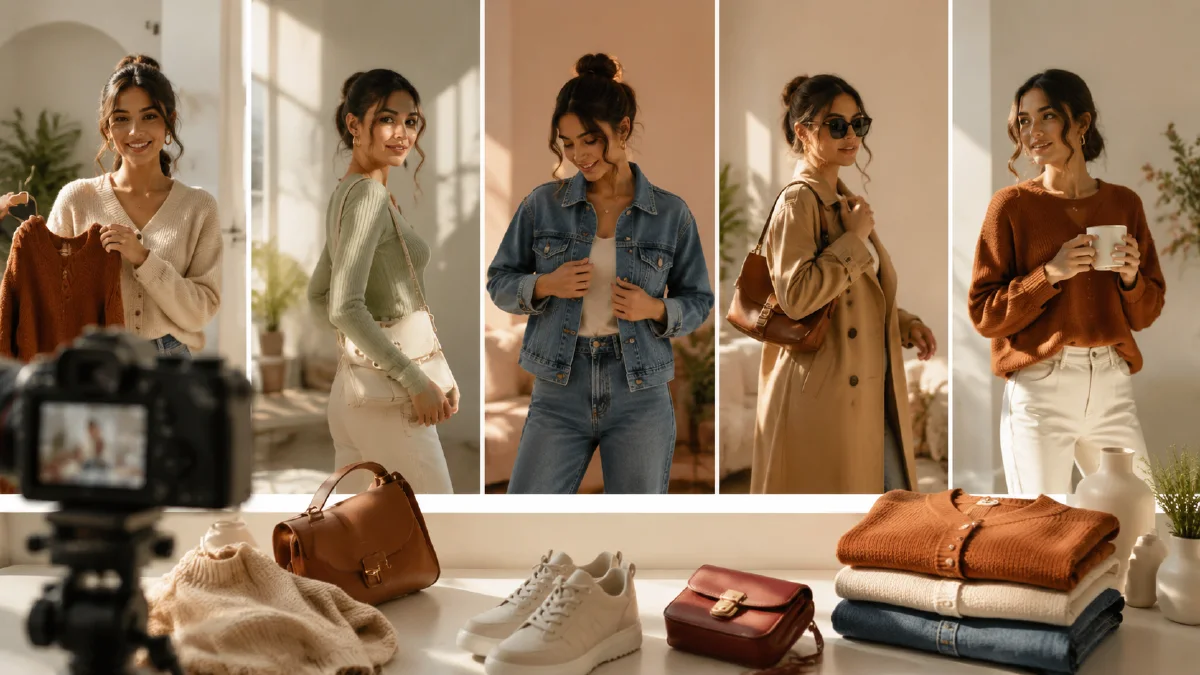
AI UGC seeding videos help ecommerce teams turn a product photo into many creator-style clips. The idea is not to fake a real customer review. The useful version is a controlled creative workflow: choose a creator archetype, place the product in a believable setting, generate short vlog-style shots, and edit them into ads for testing. This is especially helpful for fashion, beauty, accessories, wellness products, and marketplace sellers that need content volume.
For related prompt patterns, use UGC AI video ad prompts, image to video for TikTok and Reels, and ecommerce product video AI.
What UGC seeding means in an AI workflow
In organic marketing, seeding often means sending products to creators and letting content emerge. In an AI workflow, seeding means generating many plausible content directions before deciding what to shoot, brief, or publish. It can help answer:
- Which creator archetype fits the product?
- Which environment makes the product feel desirable?
- Which hook deserves paid media budget?
- Which product detail should the ad show first?
- Which format works best: talking creator, routine B-roll, or product-only?
Use AI seeding as creative exploration, not as a replacement for real testimonials. Avoid pretending that a generated person is an actual customer unless the brand clearly discloses the nature of the content where required.
Start with a product photo
For apparel, a flat-lay or hanger photo can become a worn outfit. For beauty, a product pack shot can become a bathroom routine. For supplements, a bottle can become a morning kitchen clip. The input needs to be clean enough for the model to preserve structure.
Product photo checklist:
- The product is not cropped.
- Lighting is even.
- Key texture and shape are visible.
- Background is simple.
- Color is close to the real item.
- Important details are described in text.
If the product photo is poor, generate a product hero first and use that as the reference for later videos.
Define creator and scene
A seeding system should not produce random creators. Build a small casting grid:
| Product | Creator archetype | Scene |
|---|---|---|
| Athleisure set | Active city creator | Park path, track, concrete steps |
| Skincare serum | Beauty routine creator | Bathroom counter, bedroom vanity |
| Supplement | Wellness routine creator | Kitchen, desk, travel pouch |
| Bag or accessory | Styling creator | Mirror, entryway, cafe table |
| Home product | Practical reviewer | Desk, shelf, living room |
This grid keeps the output useful. Each video should answer a marketing question, not just create a nice visual.
Prompt the seeding frame
Create a vertical UGC seeding first frame from this product photo.
Creator: casual lifestyle creator who matches the product audience.
Product: uploaded product integrated naturally into the scene, with shape and color preserved.
Scene: realistic home setting with natural light and slight everyday imperfection.
Camera: smartphone-style medium shot, eye-level, not overproduced.
Mood: authentic product discovery, friendly and practical.
Constraints: preserve product details, avoid fake readable text, keep hands simple, no social app UI.
For apparel, change "product integrated naturally" to "the uploaded garment worn by the creator while preserving fabric, color, silhouette, and key details." Use a full-body frame if fit matters.
Generate a six-shot vlog set
Instead of one long clip, create six short clips that can be mixed:
- Hook: creator notices or picks up the product.
- Product reveal: product close to camera.
- Detail: texture, fit, cap, material, or packaging.
- Routine: product in a real use moment.
- Reaction: creator nods, smiles, or points.
- CTA: product in clean frame with caption space.
Example prompt for the reveal:
Animate this frame into a 5 second vertical UGC product reveal.
The creator lifts the product slightly toward camera, smiles naturally, and keeps eye contact.
Camera: handheld smartphone close-up with subtle motion.
Motion: one smooth lift, no complex hand rotation.
Constraints: preserve product shape, color, scale, and label area. No text overlays.
Example for apparel detail:
Create a 4 second vertical fashion UGC detail shot.
Camera: slow pan from waistband to full outfit.
Motion: creator shifts weight slightly while fabric remains stable.
Style: real phone video, natural outdoor light.
Constraints: preserve garment texture, seams, color, fit, and body proportions.
Batch without losing control
Batch generation is useful only if the variables are controlled. Change one thing at a time:
- Same product, different creator archetypes.
- Same creator, different hooks.
- Same hook, different scenes.
- Same scene, different CTA copy.
If you change the creator, product, scene, camera, and script in every generation, you will not know what caused a better result. Treat each batch like an experiment.
Edit into testable ads
A seeding batch can produce many final edits:
| Edit | Clips | Use |
|---|---|---|
| 8-second hook test | Hook, reveal, CTA | Paid social test |
| 15-second UGC ad | Hook, detail, routine, reaction, CTA | Cold audience |
| Product page video | Product reveal, detail, routine | Ecommerce page |
| Retargeting clip | Detail, benefit caption, CTA | Warm audience |
Do not publish every generated clip. Select the clips where the product remains accurate and the creator performance feels natural.
Seeding batch scorecard
A seeding batch should be judged by usefulness, not by whether one clip looks surprisingly realistic. Score each generated concept before editing.
| Criteria | Strong signal | Weak signal |
|---|---|---|
| Product truth | Product shape and use remain accurate. | Product turns into a different item. |
| Creator fit | Persona matches the buyer and category. | The person feels unrelated to the product. |
| Scene credibility | Room, routine, and gesture feel everyday. | Props or setting look staged for spectacle. |
| Hook clarity | Viewer understands the first second. | The clip needs a long caption to make sense. |
| Batch variety | Each variant tests one new angle. | All clips repeat the same idea with new clothes. |
Use the scorecard to choose which clips become ads, which become organic posts, and which should be regenerated. For example, a clip with strong product truth but weak hook clarity can often be fixed by changing only the opening frame. A clip with poor product truth should be rejected no matter how cinematic it looks.
If the product photo is a clean pack shot, use white-background product image to UGC video for a more specific routine workflow. If the batch is going into paid testing, build variants in AI Video Ads and keep the approved product still available in AI Image Generator for end cards.
Try it in Naviya
Start with Naviya AI Video Ads to generate seeding angles and hooks. Use Image to Video for product-photo animation and routine scenes. Use Reference to Video when a garment, beauty product, host, or setting needs to stay consistent across the whole batch.
For the first batch, test three creators and one product. Keep the script and CTA identical. This makes it easier to see which creator-world fits the item.
Final checklist
- The content does not pretend to be a real customer testimonial.
- The product photo remains accurate.
- Each batch changes only one major variable.
- The creator's gesture is simple.
- Captions are added in editing.
- The final videos are selected for product truth, not just visual novelty.
AI UGC seeding is strongest when it acts like a creative lab. It gives the team more directions to evaluate before committing budget, while still keeping the product and claims under control.