2026-06-12
Fairy-Tale AI Video Storyboard Workflow
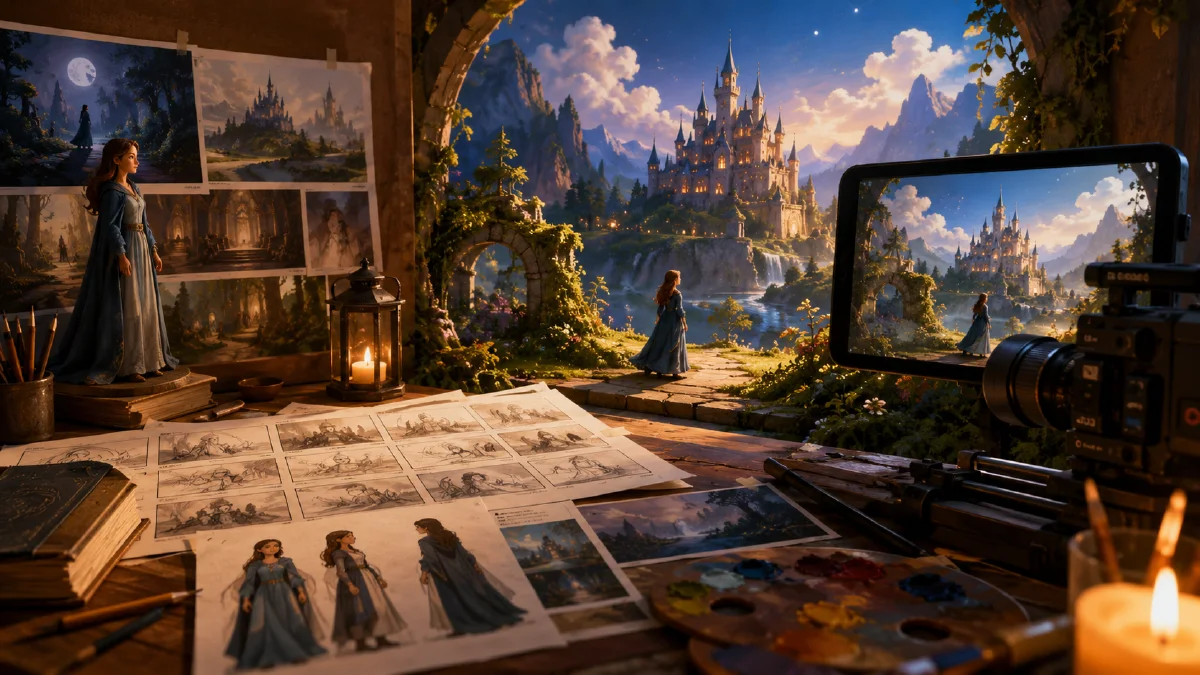
Plan and produce a fairy-tale short with AI scene prompts, character references, storyboard frames, first-frame video generation, and gentle post-production.
Try this workflow in Naviya
Use references when identity, product shape, outfit, or style needs to stay consistent.
Try reference to video
Fairy-tale videos are a strong fit for AI creation because they benefit from mood, atmosphere, character continuity, and short scene-based storytelling. A story like The Little Match Girl can become an immersive short without a traditional animation pipeline if you control the process: define the visual style, design the character, generate scene prompts, create storyboard frames, animate them in small segments, and finish with music, voice, and sound.
This guide focuses on the practical workflow, not just a single prompt. If you need general motion structure, read AI video prompt guide. For still-frame to motion production, use image-to-video workflow guide. If character continuity is the hard part, consistent AI video character guide will help you lock the face and costume across scenes.
What is an AI fairy-tale storyboard workflow?
An AI fairy-tale storyboard workflow is a step-by-step production method for turning a story into a sequence of controlled images and short animated clips. The storyboard does three jobs:
- It protects the story from becoming random visuals.
- It gives the video model clear first frames.
- It creates a shared style across characters, locations, lighting, and mood.
For fairy tales, the goal is usually not fast action. The goal is atmosphere: snow, lamps, warm windows, cold streets, small gestures, and emotional close-ups.
Step 1: Define the visual direction
Before generating any image, decide the style. A useful direction for a winter fairy tale might be:
Handcrafted cinematic fairy-tale realism, soft winter night, warm window light
contrasting with blue snow shadows, delicate facial expressions, painterly but
realistic textures, 16:9 composition, gentle camera language, emotional and quiet.
Collect or create references for:
- The main character.
- The street or village environment.
- Interior warmth seen through windows.
- Match flame close-ups.
- Final dreamlike or symbolic imagery.
References reduce trial and error. You can create them in Naviya image generator, then use reference-to-video when animating.
Step 2: Create the character prompt
A fairy-tale short needs a stable protagonist. Write a character prompt that can be reused in every frame.
Young fairy-tale girl, about eight years old, small and fragile but expressive,
wearing a worn brown winter coat, patched scarf, simple boots, and fingerless
mittens. Soft round face, tired eyes with hope still visible, wind-reddened
cheeks, loose hair strands under a modest cap. Gentle emotional realism,
consistent costume, no modern accessories.
Add a white-background design frame first:
Full-body character design on plain white background, front view and slight
three-quarter view, consistent outfit details, soft painterly realism, clear
silhouette, suitable for fairy-tale storyboard reference.
This frame becomes the anchor for all storyboards.
Step 3: Break the story into scenes
Do not ask the model for the whole fairy tale at once. Break it into scenes and emotional beats.
| Scene | Story beat | Visual focus |
|---|---|---|
| Street opening | The girl walks through snow | Cold city, scale, loneliness |
| Window contrast | Warm homes nearby | Outside cold vs inside warmth |
| First match | A small flame lights her face | Close-up, hope, flicker |
| Vision | The flame becomes comfort | Dreamlike warm interior |
| Final walk | The night becomes quiet | Soft snow, emotional release |
Each scene should have one main action and one emotional purpose.
Step 4: Generate storyboard prompts
Scene prompt template:
Scene: [story beat].
Character: [reuse character description].
Location: [specific setting].
Composition: [wide, medium, close-up, angle].
Lighting: [cold blue snow, warm window, match flame, etc.].
Emotion: [lonely, hopeful, amazed, peaceful].
Style: cinematic fairy-tale realism, soft painterly texture, 16:9.
Continuity: same character, same coat, same scarf, same winter night.
Example opening frame:
Wide cinematic frame of a small fairy-tale girl walking alone through a snowy
old town street at night. She wears a worn brown coat, patched scarf, boots, and
fingerless mittens. Tall dark buildings surround her, warm windows glow in the
distance, snow falls softly, blue winter shadows, emotional quiet mood, 16:9,
cinematic fairy-tale realism.
Example match close-up:
Close-up of the same girl holding a tiny lit match between fingerless mittens.
The flame casts warm amber light across her cheeks and eyes while the snowy
street behind her falls into soft blue blur. Her expression is fragile and
hopeful, delicate smoke trail, shallow depth of field, fairy-tale realism.
Use AI camera angle prompts to vary shot sizes without losing continuity.
Step 5: Animate with first-frame discipline
Once a storyboard frame is strong, treat it as the visual truth. The video prompt should not repeat every costume and background detail. It should describe motion.
Good video prompt:
The girl walks slowly through falling snow. The camera tracks beside her at a
gentle pace. Her scarf moves slightly in the wind. Warm window light flickers in
the background. Keep the same character, outfit, street, and painterly realism.
For the match:
The match flame flickers and grows brighter for a moment. The camera slowly
pushes toward the girl's face. Her eyes soften with wonder. Snow continues to
fall softly in the blurred background.
Avoid over-directing. If the first frame already contains the scene, too many details can make the model reinvent the image.
Step 6: Edit like a quiet story, not a trailer
Post-production makes the short feel complete:
- Remove clips where hands, face, or match flame distort.
- Use gentle transitions between dream and street scenes.
- Add a soft voiceover or warm narration if needed.
- Add subtitles after the timing is locked.
- Use sound sparingly: wind, footsteps, match strike, distant room tone.
- Choose light piano, winter chimes, or restrained orchestral music.
Clip length can be short. A fairy-tale sequence can work with five to seven clips of three to six seconds each.
Prompting emotional continuity
Fairy-tale shorts need emotional continuity as much as character continuity. Add one emotional verb to every scene prompt, but avoid stacking many moods together. A cold street scene can be "lonely." A match close-up can be "hopeful." A dream scene can be "comforted." A final wide shot can be "peaceful."
Use this mini-map:
| Beat | Emotion | Visual cue |
|---|---|---|
| Opening | Lonely | Small figure, large cold street |
| Window | Longing | Warm light separated by glass |
| Match | Hopeful | Flame reflected in eyes |
| Vision | Comforted | Soft interior glow |
| Ending | Peaceful | Snow, stillness, gentle light |
When reviewing images, ask whether the emotion is readable before the plot is explained. If the answer is no, change composition or lighting before adding more story details.
Scene length planning
Plan the video by emotional weight, not equal duration. The opening wide shot may need only three seconds to establish the world. The first match may need five seconds because the viewer must see the flame, the face, and the change in feeling. Dream scenes can be slightly longer if they contain visual discovery, while transition shots should be short.
A practical short can use this rhythm: three seconds for the snowy street, four seconds for the window contrast, five seconds for the match, five seconds for the warm vision, and four seconds for the quiet ending. That creates a compact 21-second story with enough room for sound design and subtitles.
Try it in Naviya
Use Naviya image generator to create the character sheet and storyboard frames, then animate each approved frame with Naviya image-to-video. For scenes that need a fixed character reference, build the clip in reference-to-video.
Production checklist
- One reusable character prompt exists before scene generation.
- Each storyboard frame has a clear emotional beat.
- The frame aspect ratio matches the final video.
- Video prompts describe only action and camera movement.
- Dream scenes and real scenes have distinct lighting.
- The edit uses sound to deepen the mood, not distract from it.
Fairy-tale AI videos become stronger when the workflow respects story order. The more disciplined the storyboard, the more poetic the final motion can feel.