2026-06-12
Feature Collapse in AI Art: Use Soft Detail, Focus, and Abstraction Intentionally
Learn how to use controlled feature collapse in AI art prompts to reduce background detail, emphasize emotion, and create cinematic focus.
Try this workflow in Naviya
Use the guide to shape a still image, then keep it as a first frame or campaign asset.
Open the studio
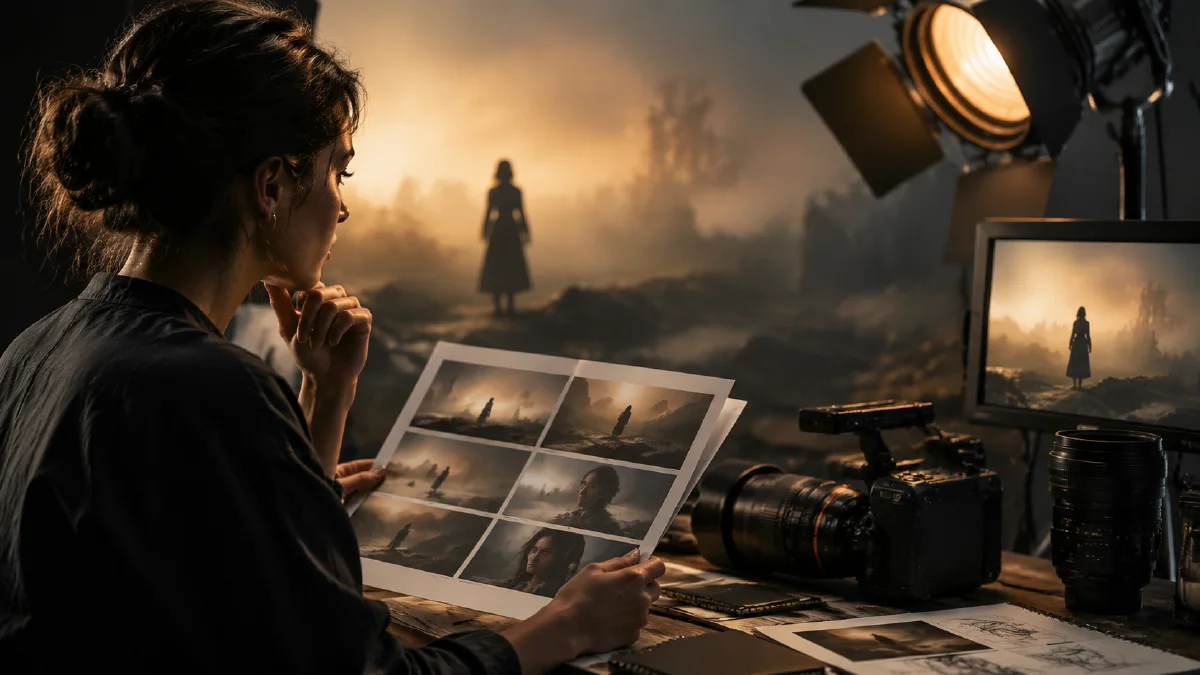
Feature collapse in AI art happens when nonessential details become simplified, blurred, compressed, or abstract. It is often treated as a failure, but controlled feature collapse can make an image more emotional and cinematic.
The goal is not to make the image blurry. The goal is to decide which 5-10 percent of the frame must be sharp and which areas can become atmosphere.
This is useful for portraits, night scenes, dreamlike visuals, fashion editorials, music covers, and cinematic first frames.
Why too much detail can hurt an image
If every object is sharp, the viewer has no hierarchy. Busy streets, detailed backgrounds, bright signs, complex textures, and sharp faces all compete at once.
Strong images often do the opposite:
- The face is sharp, the background soft.
- The product is clear, the environment simplified.
- One emotional detail is crisp, everything else recedes.
- The background becomes color, light, or motion rather than information.
Feature collapse is a form of visual prioritization.
Use a focus anchor
Always define what stays sharp.
Focus anchors can be:
- eyes
- product edge
- hand gesture
- material texture
- logo area as a visual shape
- expression detail
- a single object in foreground
Prompt:
Focus is razor-sharp on the subject's eyes, while the busy city background collapses into soft abstract bokeh and low-detail light shapes.
Without an anchor, the whole image can become mushy.
Compress nonessential detail
Use low-information language for areas that should support mood rather than compete.
Prompt phrases:
- "background rendered as soft bokeh"
- "distant objects fade into abstract light shapes"
- "low-detail atmospheric background"
- "soft focus around the edges"
- "painterly color blocks in the far background"
- "foreground and background lose detail, subject remains sharp"
Example:
Cinematic portrait on a rainy night street, focus exclusively on the eyes and facial expression, background city lights rendered as soft creamy bokeh and abstract color circles, shallow depth of field, emotional mood.
Use global softness carefully
Global softness can create dreamlike style, but it needs contrast.
Useful style directions:
- soft focus
- low fidelity
- dreamy haze
- painterly strokes
- muted palette
- film grain
Pair with:
one crisp anchor detail remains sharp.
Example:
Dreamlike indoor scene, soft focus around the room, muted colors, gentle bloom near the window, one sharp highlight on the subject's eye, film grain, quiet nostalgic mood.
Use collapse to support emotion
Feature collapse is strongest when it reflects how a viewer remembers a scene. In an emotional portrait, the viewer may remember the eyes and forget the street. In a product macro, the viewer may remember the material edge and forget the rest of the table. In a music cover, the viewer may remember the silhouette and the color atmosphere more than the exact buildings.
Use this pattern:
Sharp emotional anchor + simplified surrounding world + consistent light direction.
Examples:
| Emotion | Sharp anchor | Collapsed area |
|---|---|---|
| loneliness | one eye, hand on window, small figure | city lights, distant room, crowd |
| tension | clenched fingers, product edge, weapon detail | background architecture |
| nostalgia | child's face, old photo edge, toy detail | courtyard, furniture, wall texture |
| luxury | product cap, glass edge, material highlight | studio surface and distant props |
The surrounding world still matters. It should give color and atmosphere, but it should not compete with the anchor.
Prompt templates
Emotional portrait
Moody cinematic portrait through a rain-streaked window. Focus locked on the subject's eyes. Hair and face edge fade softly into dark shadow. Background street lights collapse into abstract bokeh circles. Low-key lighting, subtle film grain, restrained color palette.
Product focus
Macro product shot, focus locked on the product's material edge and cap detail. Background fades into low-detail shadow and soft reflection. No busy props. Controlled side light reveals texture while the rest of the frame stays minimal.
Music cover atmosphere
Night city cover image, foreground silhouette sharp enough to read, distant neon lights stretched into soft abstract color shapes, light rain, film grain, low contrast edges, emotional atmospheric depth.
Avoid uncontrolled blur
Feature collapse fails when:
- No sharp anchor exists.
- The face or product becomes unreadable.
- The whole image uses the same softness.
- Style conflicts with lighting.
- Background collapse removes important context.
Fix it by adding:
critical focus on [anchor], background only soft, subject remains readable.
Negative prompts for cleaner collapse
If the model keeps making the background too detailed, use a targeted negative line:
Avoid detailed background, busy pattern, sharp background objects, clutter, readable signs, and competing faces.
If the subject becomes too soft:
Keep critical focus on the subject's eyes and facial expression. Only the background loses detail.
If the style becomes inconsistent:
Keep the same color palette and light direction across sharp and soft areas.
The best collapse feels intentional. It should look like focus, atmosphere, or memory, not a generation error.
Video use
For image to video, feature collapse can work well in background and atmosphere, but keep the motion simple:
- slow push-in
- background lights drift
- rain moves
- particles move softly
- focus stays on subject
Prompt:
Animate this image with a slow push-in. Keep focus on the subject's eyes. Background lights remain abstract and softly moving. Preserve face and composition.
Checklist
Before using feature collapse, define:
- What is the sharp anchor?
- What area should become low-detail?
- Is the subject still readable at phone size?
- Does the softness support the emotion?
- Will the image still work if animated?
Feature collapse is not a defect when it is intentional. It is a way to make the model stop explaining everything and start directing attention.
Use it in campaigns and first frames
Controlled softness is especially useful when an image needs to become the first frame of a video. A first frame with too much sharp background detail often produces noisy motion because the model tries to animate everything. A first frame with one sharp anchor and simplified surroundings gives the video model a clearer job.
Use feature collapse for:
- beauty and fragrance close-ups where the product edge must stay sharp
- fashion portraits where the face, garment, or hand gesture carries the emotion
- music covers and posters where the background should feel like memory
- product teasers where light and silhouette matter more than detailed props
- cinematic openers where atmosphere should move slowly behind the subject
Avoid it for catalog product images, technical diagrams, before-and-after comparisons, or any frame where the buyer must inspect every detail. In those cases, use clearer product-scene language from AI product scene generation instead.
For motion, create the still in AI Image Generator, then animate with a single camera move in Image to Video. If a character, product, or style must stay consistent, use Reference to Video. The rule is simple: collapse the background, not the promise of the image.
When reviewing variants, choose the one that still reads clearly without zooming in. If the anchor needs explanation, it is too soft. If the background attracts more attention than the anchor, it is not collapsed enough.
Try it in Naviya
Create the still in Naviya AI Image Generator, then use Image to Video only after the sharp anchor is reliable. For video, keep background motion subtle so the collapsed areas stay atmospheric instead of noisy.