2026-06-12
Anime Wedding MV AI Workflow From Photos to Music Video
Create an anime-style wedding music video from photos with consistent character styling, image-to-video motion, beat editing, and prompt templates.
Try this workflow in Naviya
Use references when identity, product shape, outfit, or style needs to stay consistent.
Try reference to video
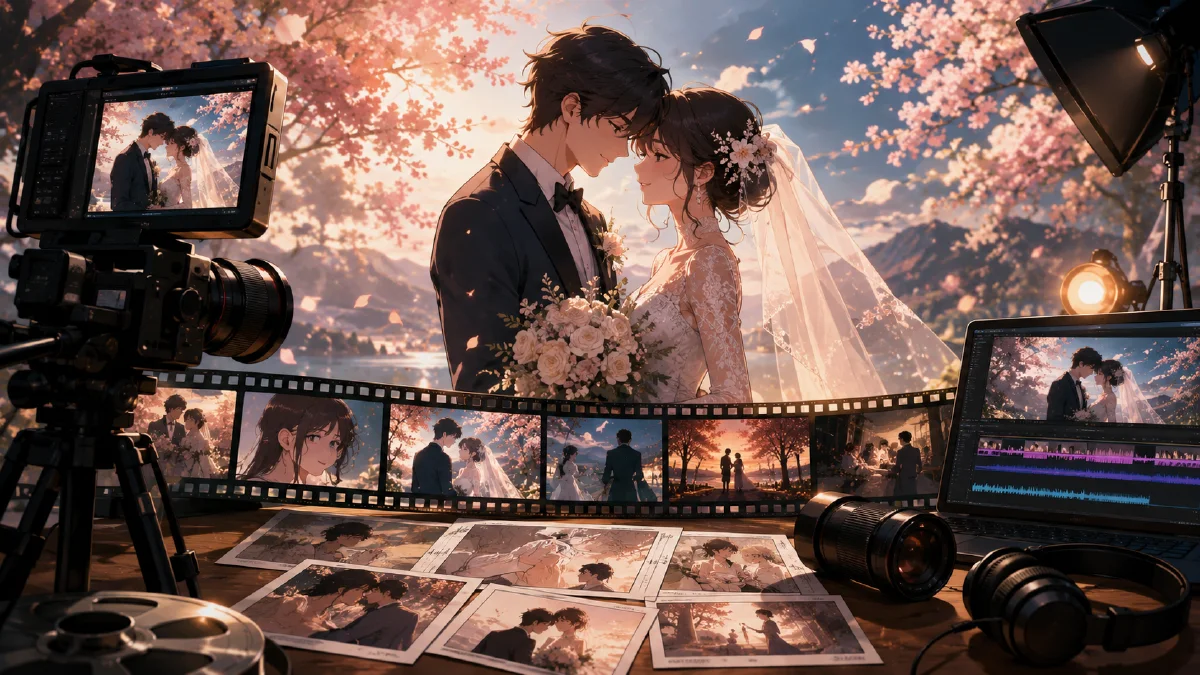
An anime wedding MV is a music-video style montage that transforms real couple photos into a consistent illustrated world, then animates those images into emotional clips. It is part keepsake, part short film. The best versions do not simply apply a cartoon filter. They preserve the couple's recognizable features, create a coherent visual style, and edit the moments to music.
AI makes this workflow practical because the production can be split into clear stages: style reference, photo restyling, image-to-video animation, and final beat edit. You can use AI Image Generator for the anime stills, Image to Video to animate each scene, and Reference to Video when a specific visual style needs to stay consistent.
For related ideas, see anime image to video guide, emotional montage AI video prompts, consistent AI video character guide, and image to video workflow guide.
Definition
An anime wedding MV is a sequence of short animated scenes made from wedding, engagement, or couple photos. The output usually runs 30 to 90 seconds and uses music, lyrics, transitions, and emotional pacing. It is not a documentary edit. It is a stylized memory film.
The success of the piece depends on two things:
- The couple still feels like the couple.
- The anime world feels consistent from shot to shot.
If either breaks, the video becomes a random filter reel.
Step 1: Build the style reference
Before restyling every photo, create one style frame that defines the look. This frame does not need to be one of the wedding photos. It can be a fresh illustration that sets the lighting, line quality, mood, and color palette.
Style frame prompt:
Create a romantic anime film still for a wedding music video.
Scene: evening rooftop garden, warm sunset, soft clouds, gentle wind.
Subjects: a couple standing close together, elegant formal outfits, subtle emotion.
Style: cinematic anime, delicate facial detail, soft rim light, painterly background, emotional but not exaggerated.
Color palette: warm peach, lavender sky, ivory highlights, soft shadows.
Composition: medium wide shot, room for music video subtitles at the bottom.
Save the best style frame. It becomes the visual guide for the rest of the project.
Step 2: Restyle the couple photos
Choose photos with different emotional beats: looking at each other, walking, dancing, laughing, hands, rings, bouquet, city lights, and quiet portraits. Avoid using only near-identical poses. A music video needs visual rhythm.
Restyle each photo with a prompt like this:
Transform this couple photo into a cinematic anime wedding film still.
Preserve: facial identity, hairstyle, pose, clothing relationship, emotional expression.
Apply style: match the provided anime reference frame with soft painterly lighting, warm romantic colors, delicate line work, and cinematic depth.
Scene detail: keep the original moment but improve the background into a cohesive romantic film environment.
Constraints: no extra people, no distorted hands, no changed clothing color, no exaggerated facial features.
If one person's face changes too much, simplify the prompt and reduce stylization. Identity preservation matters more than dramatic art direction.
Step 3: Create a shot list
Turn the restyled images into a simple MV structure:
| Section | Visual type | Emotion |
|---|---|---|
| Opening | Empty scene, hands, rings, veil | Anticipation |
| Verse | Couple walking, quiet glances | Intimacy |
| Chorus | Dance, fireworks, wind, wide shots | Lift |
| Bridge | Close-ups, memory flashes | Reflection |
| Ending | Hero portrait, final embrace | Resolution |
This order helps the video feel designed instead of shuffled.
Step 4: Animate the images
Upload each anime still to Image to Video. Use small, emotionally appropriate motion. Wedding MV clips do not need extreme action. They need breathing life.
Prompt examples:
Animate this anime wedding still into a 5 second music video clip.
Camera: slow push-in.
Motion: the couple looks at each other softly, hair and veil move in a gentle breeze, background lights shimmer.
Mood: romantic, quiet, cinematic.
Constraints: preserve faces, clothing, hand positions, and anime style. No extra people.
Create a short anime MV clip from this image.
Camera: slight side tracking movement.
Motion: the couple walks slowly through falling flower petals, fabric moves naturally, warm sunlight flickers.
Style: emotional anime wedding film, soft depth of field.
Constraints: keep the couple recognizable and avoid exaggerated gestures.
Animate this final portrait.
Camera: locked hero shot with subtle parallax.
Motion: fireworks glow in the background, the couple holds still with a small smile, light moves across their faces.
Constraints: no face morphing, no outfit changes, no unreadable text.
For simple atmospheric shots, you can animate empty scenes: sky, bouquet, candles, confetti, invitation cards, or venue exterior. These clips give the edit breathing room.
Step 5: Edit to the music
The final edit gives the video its soul. Choose a track with clear sections. Mark the beats where the chorus arrives, where the lyric changes, and where the ending resolves.
Editing checklist:
- Use slower clips during the verse.
- Place wide emotional shots on chorus lifts.
- Use close-ups before transitions.
- Match cuts to lyric changes or beat hits.
- Add subtitles only when they improve the emotional moment.
- Keep transitions soft: dissolves, light leaks, simple wipes, or film flash.
Avoid using every generated clip. A polished 45 seconds is better than a loose 90 seconds.
Try it in Naviya
Start by creating one anime style frame in AI Image Generator. Restyle five to eight couple photos in the same look, animate them with Image to Video, and use Reference to Video for scenes that need stronger style consistency.
Review the MV like a gift, not a demo
Wedding videos carry emotional expectations. The result should feel personal, respectful, and easy to share. Before final editing, review the sequence with a small checklist.
- Are the couple recognizable in a flattering anime style?
- Does each scene connect to a real memory, season, place, or feeling?
- Are emotional beats paced with the music instead of evenly spaced?
- Do close-ups, wide shots, and detail shots alternate naturally?
- Are there any visual details that could feel awkward to family viewers?
- Does the ending feel complete without needing explanatory text?
Build the edit around emotional contrast. A quiet close-up can sit next to a wide skyline. A hand detail can sit next to a ceremony-inspired frame. Avoid using the most dramatic motion on every shot. Gentle hair movement, falling petals, light shifts, and slow camera pushes usually fit better than action-heavy animation.
For a stronger first-frame plan, the anime image to video guide can help you decide which stills should move and which should remain as calm cutaways.
Common problems and fixes
| Problem | Fix |
|---|---|
| Faces drift between scenes | Reduce style intensity and repeat identity-preservation constraints |
| Clips feel static | Add hair, fabric, light, petals, or background shimmer |
| Motion looks too dramatic | Ask for slow MV movement and one camera idea |
| Scenes do not match | Reuse the same style frame and color palette |
| Edit feels random | Reorder clips by emotional section, not generation order |
An anime wedding MV works because it turns familiar photos into a shared cinematic world. Keep the people recognizable, keep the motion gentle, and let the edit do the emotional work.