2026-06-12
Best Image to Video AI: How to Choose the Right Workflow
Choose the best image to video AI workflow by reference control, motion quality, product stability, anime style, social format, and model fit.
Try this workflow in Naviya
Use references when identity, product shape, outfit, or style needs to stay consistent.
Try reference to video
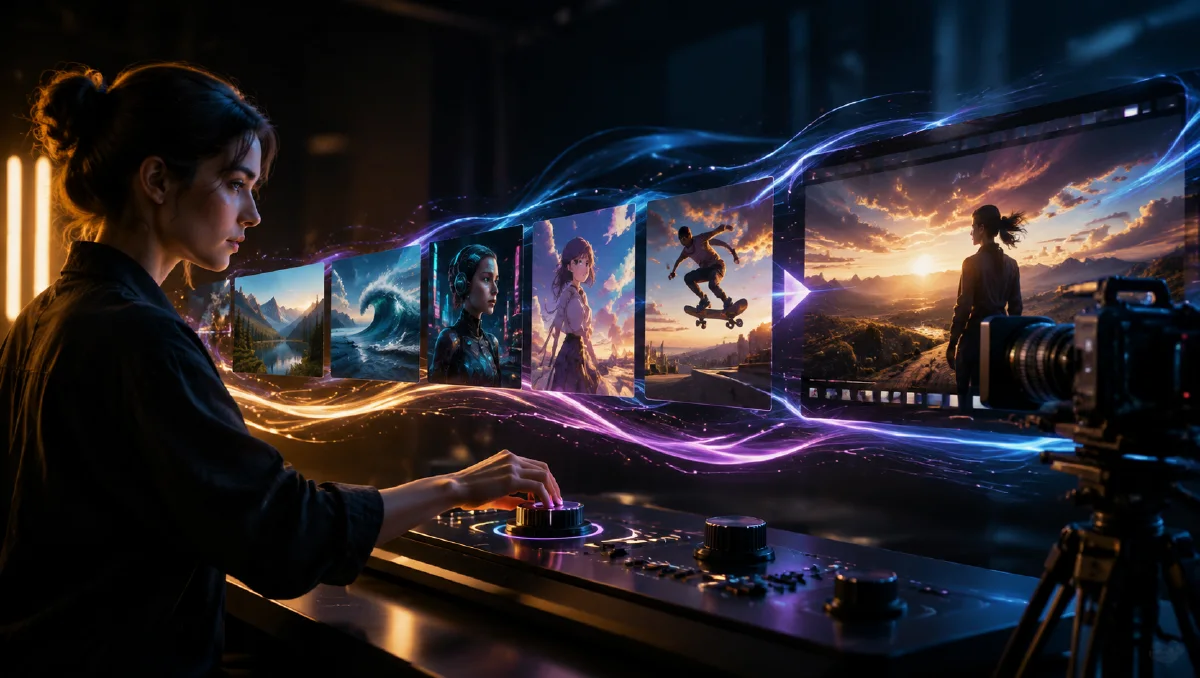
The best image to video AI is the one that preserves the important parts of your still image while adding useful motion. For a portrait, that means face and outfit stability. For a product, it means shape and label stability. For anime, it means character identity and art style. For ads, it means a clear first second and platform-safe framing.
There is no single best model for every image. Choose by the failure you cannot accept.
Use Naviya Image to Video when you already have a first frame. Use the AI video model comparison when you need to compare model families before spending credits.
If consistency is the main issue, use the reference to video guide or the image to video troubleshooting guide before changing the whole workflow.
Quick decision table
| Need | Best workflow | What to prioritize |
|---|---|---|
| Preserve a face | Image to video with strong constraints | Identity stability |
| Animate a product | Conservative product motion | Shape and label stability |
| Create anime motion | Subtle character and background movement | Style preservation |
| Make a social ad | Vertical image to video | First-second clarity |
| Build a cinematic scene | Strong first frame plus camera language | Motion and lighting |
| Test many ideas | Faster model path first | Iteration speed |
What image to video AI should do well
A strong image to video workflow should:
- Keep the subject recognizable.
- Add camera movement without breaking composition.
- Preserve product shape or character identity.
- Follow simple motion directions.
- Support vertical, square, or widescreen outputs.
- Let creators compare model paths.
- Make iteration fast enough to test variants.
The model is only one part of the workflow. The starting image, prompt, aspect ratio, and motion constraints matter just as much.
Image to video vs text to video
Use image to video when the first frame matters. This includes product photos, portraits, posters, anime images, fashion shots, thumbnails, and branded visuals.
Use text to video when the subject can be invented from scratch. Text to video is better for broad scenes, cinematic ideas, and visual exploration where exact identity is not important.
Many creators use both:
- Generate a still image.
- Improve the first frame.
- Animate it with image to video.
- Compare model outputs.
- Save the best prompt blocks.
Best workflow for products
For products, the best image to video AI workflow is conservative. The product should not morph, bend, relabel itself, or become a different object.
Use:
- Slow push-in.
- Light sweep.
- Slight orbit.
- Reflection movement.
- Steam, smoke, or particles.
- Platform rotation under 20 degrees.
Avoid:
- Full 360 rotation from one photo.
- Complex unboxing.
- Hands using the product if hands are not already shown.
- Fake label text.
- Large transformations.
For a full walkthrough, read the product image to video guide.
Best workflow for anime
For anime images, the best workflow preserves character design and art style. Use subtle motion first:
- Blink.
- Hair movement.
- Fabric movement.
- Background parallax.
- Rain, petals, snow, dust, or light movement.
- Slow push-in.
Avoid asking a single still image to become a full action scene. If the character turns too far or moves too aggressively, the model may invent new details and drift away from the original design.
Use the anime image to video guide for prompt examples.
Best workflow for social ads
For social ads, the first second matters most. The best image to video workflow should produce a clear hook and leave room for platform UI and captions.
Use:
- 9:16 framing.
- Centered subject.
- Caption-safe top and bottom space.
- Clear product or face in the first second.
- One motion idea.
- No small fake text.
If you need prompt examples for campaign concepts, use AI video ads prompts.
How to compare image to video outputs
Score each result on five questions:
- Did the subject stay recognizable?
- Did the camera movement help the clip?
- Did the motion match the prompt?
- Did the image style stay consistent?
- Is the clip usable without explaining what went wrong?
If a result is visually impressive but fails the subject, it is usually not the best output. For image to video, consistency is part of quality.
Prompt starter
Animate this image into a 6 second video.
Camera: slow push-in with a steady lens.
Subject motion: one subtle movement that fits the image.
Atmosphere: controlled light movement and soft background motion.
Constraints: preserve identity, shape, style, composition, and color palette. Avoid warping, extra objects, and sudden scene changes.
Replace "one subtle movement" with the specific action: blink, light sweep, hair movement, steam, reflection, fabric motion, or background parallax.
Final recommendation
Choose image to video AI by the asset you need to protect. If the image is a product, protect shape. If it is a person, protect identity. If it is anime, protect style. If it is an ad, protect the hook.
Naviya is built for this task-first decision: start with the image, choose the motion, compare model paths, and iterate without turning every model into a separate workflow.
Compare tools with the same asset
The fairest way to choose image to video AI is to test the same starting image with the same motion brief. Do not compare one model using a clean product photo against another model using a weak lifestyle image. Use one strong frame, one duration, one camera move, and one protected subject. Then judge the actual differences.
For products, look for silhouette stability, material behavior, label safety, and a clean final frame. For portraits, look for identity, eyes, mouth, hair, and natural micro-motion. For anime, look for line style, face consistency, and color preservation. For ads, look for first-second clarity and caption-safe composition.
Cost also depends on iteration speed. A tool that produces a slightly better one-off clip may still be less useful if it takes too long to test hooks. For teams, the practical winner is often the workflow that lets them create a still, animate it, compare variants, and move into ad production without rebuilding the brief each time.
Also judge how easy it is to recover from failure. Good image-to-video workflows make it clear whether you should revise the prompt, shorten the motion, improve the still, or switch to a reference workflow. If every failed result feels mysterious, production slows down. The best tool for a team is the one that turns mistakes into clear next steps.
For ecommerce teams, the best choice may be the most predictable one, not the most cinematic one. A stable product loop, clear material movement, and reliable crop often create more business value than a dramatic clip that changes the item. For creators, style range may matter more. Choose based on the asset you need to ship this week, not on a generic feature list.
Document the winning settings for each asset type. The next campaign should start from evidence, not memory.
Try it in Naviya
Start with Naviya Image to Video when the still image is already strong. If you need the still first, create it with Naviya AI Image Generator. If consistency across multiple clips is the main requirement, use Reference to Video before testing more aggressive motion.